Looking for business flyer templates, examples, or design ideas for your next promotion? The right layout can help you advertise a sale, introduce your services, promote an event, or get your small business noticed locally.
You don’t need to start from scratch. A good flyer template gives you a professional layout that you can customize with your logo, colors, images, offer, and contact information.
In this guide, you’ll find small business flyer examples and template ideas for restaurants, real estate, retail, service businesses, startups, and more, plus practical tips for creating a flyer that gets attention and drives action.
What Makes a Good Business Flyer?
A good business flyer communicates one main message quickly and gives the reader a clear next step. Most effective flyer templates include:
- A short, attention-grabbing headline
- One main offer, service, or message
- A relevant image or graphic
- Key benefits or supporting information
- Business name and logo
- A clear call-to-action
- Contact information
- A website or QR code
Keep the layout easy to scan and avoid trying to promote every product or service on the same flyer. The best business flyers make it clear within a few seconds what is being offered and what the reader should do next.
Why Flyer Templates Work for Small Businesses
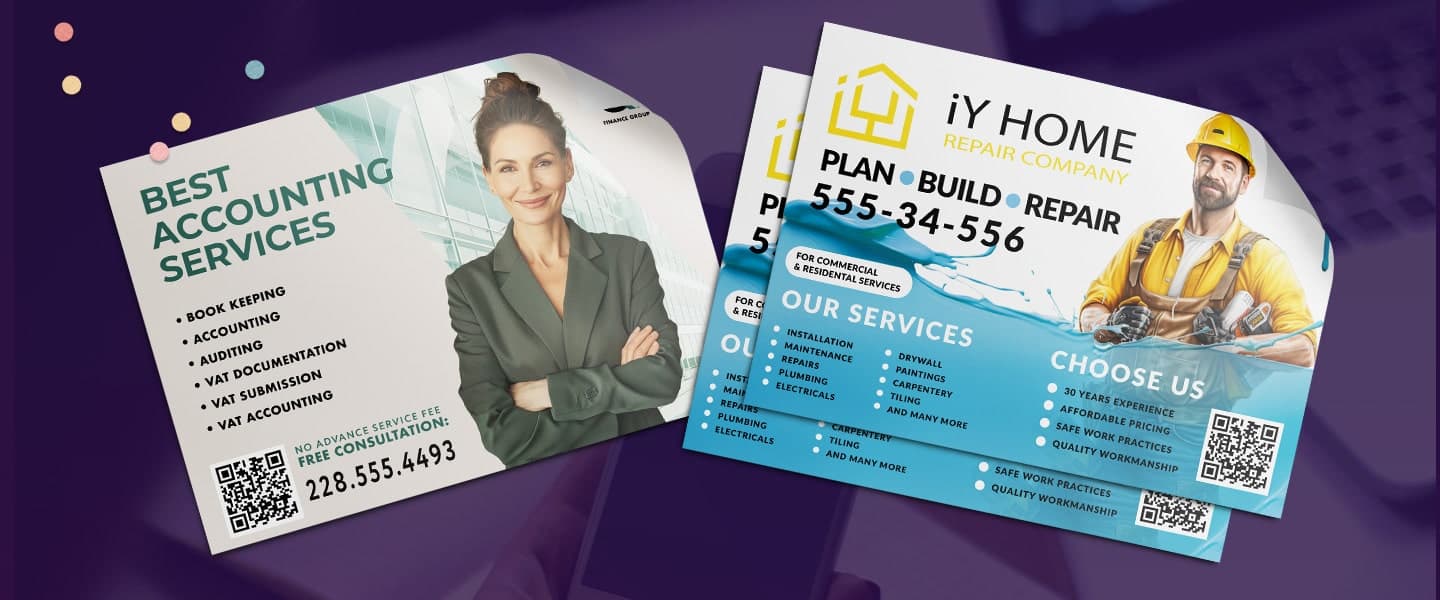
Designing from scratch can be overwhelming, but templates give you a professional starting point. With pre-set layouts, you only need to adjust logo, colors, and text.
Flyer templates help you:
- Save time (launch campaigns faster)
- Look professional (no design skills needed)
- Stay consistent (match your brand colors and fonts)
Once you’ve chosen a template, focus on how the headline, offer, visuals, and CTA work together. These flyer design tips for increasing conversions can help you turn a basic template into a stronger marketing piece.
Best Business Flyer Templates and Examples
The best business flyer template depends on what you’re trying to promote. A restaurant advertising a weekend special needs a different layout from a consultant introducing professional services.
Here are five flyer formats that work well for small businesses.
Promotional Flyer Template
Best for sales, discounts, seasonal promotions, and limited-time offers.
A promotional flyer should include:
- A bold offer or headline
- The main product or service
- Promotional details
- Expiration date, when applicable
- A clear call-to-action
- Website, location, or QR code
Keep the offer visually dominant so readers understand the promotion immediately.
Event Flyer Template
Best for grand openings, workshops, community events, product launches, and special events.
Include:
- Event name
- Date and time
- Location
- Short description
- Registration or attendance details
- QR code or website
- Clear call-to-action
The date, location, and event name should be among the easiest elements to find.
Service Business Flyer Template
Best for contractors, consultants, cleaners, landscapers, agencies, home services, and other service-based businesses.
Include:
- The problem you solve
- Your main services
- Key customer benefits
- Service area
- Contact information
- Customer review or trust signal
- Call-to-action
Avoid listing every service you offer. Focus on the services most relevant to the campaign.
Product Flyer Template
Best for highlighting a product, collection, new arrival, or featured offer.
Include:
- Strong product image
- Product name
- Main features or benefits
- Price or offer, when appropriate
- Short supporting description
- Call-to-action
Give the product enough visual space to become the focal point of the flyer.
Referral Flyer Template
Best for referral programs, loyalty campaigns, and customer rewards.
Include:
- A simple explanation of the program
- What the customer receives
- What the referred customer receives
- How to participate
- Terms or expiration date
- Clear next step
Keep referral instructions simple enough that someone can understand the offer without asking for additional information.
Small Business Flyer Examples by Industry
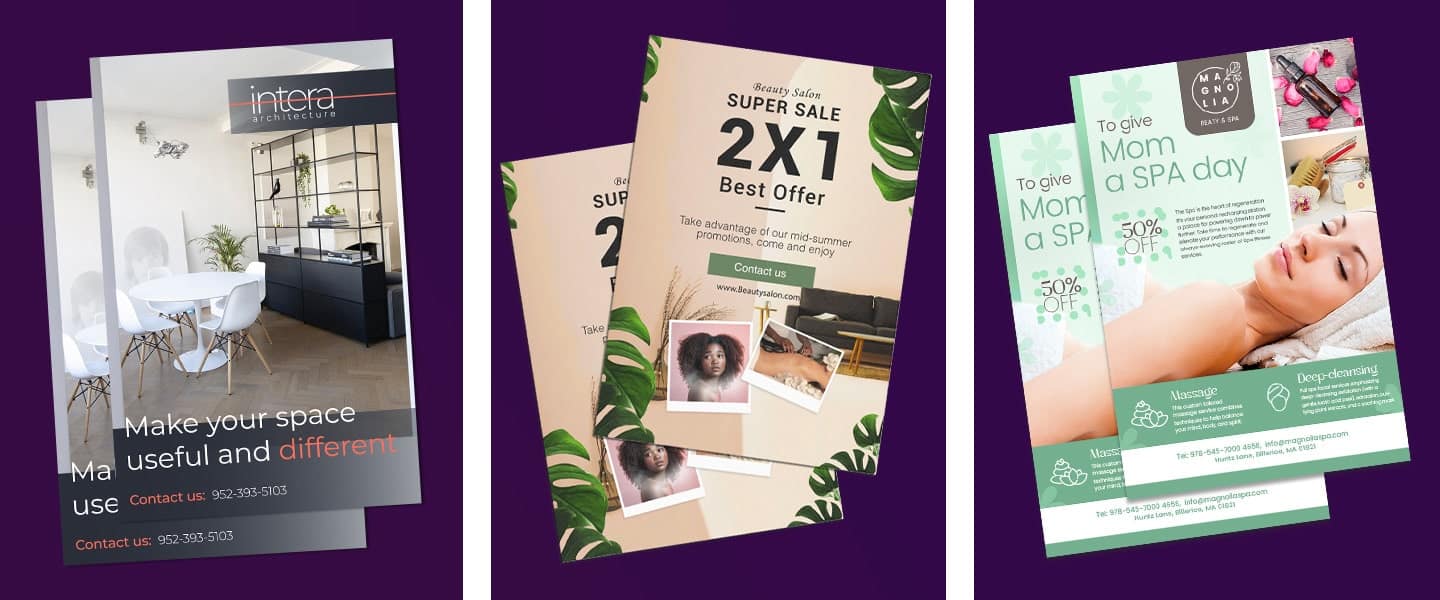
Restaurant & Café Flyers
- Menu-style flyers with featured dishes + pricing
- QR code to order online or reserve a table
- Seasonal specials or “limited-time offer” layouts
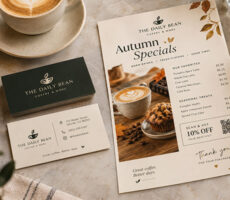
- “20% Off Lunch This Week” + food image + hours + QR ordering.
Restaurants using flyers for menus, takeout promotions, or seasonal specials can also apply these menu design ideas for small restaurants when organizing food, pricing, and offers.
Real Estate Flyers
- Property showcase flyers with large images + bullet highlights
- “Just listed” or “Open house” templates
- Add a map or neighborhood callout
- “Open House Sunday” + property photo + address + time + agent contact.
Retail Flyers
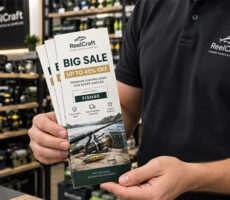
- Sale announcement flyers (“End-of-Season Sale”)
- Loyalty program promotion
- Event invitation templates (grand opening, in-store events)
Flyers can also work alongside postcards, signage, and other print marketing ideas for driving retail foot traffic when promoting a store locally.
Gym & Wellness Flyers
- Class schedules or trial offers
- “Before & After” flyer layouts for transformations
- Motivational taglines in bold fonts
External inspiration: Canva Flyer Templates
Service Business Flyers
- Simple info-driven layouts with headline + service list + contact
- Use icons for clarity
- Add testimonials for credibility
- “Need Your AC Fixed?” + three benefits + service area + phone number.
Related: Essential Print Materials for Freelancers and Consultants
Flyer Templates for Startups and Entrepreneurs
Startups often need marketing materials that look professional without requiring a large design budget.
The most effective flyer templates for new businesses usually focus on:
- Introducing the business
- Explaining the core offer
- Highlighting a launch promotion
- Building local awareness
- Driving website visits or bookings
Simple, clean flyer designs often outperform crowded layouts because they communicate value more quickly.
Business Flyer Design Ideas
Many successful flyers follow simple design principles rather than elaborate layouts.
Here are several flyer concepts that consistently perform well:
The Single Offer Flyer
Focuses entirely on one promotion, discount, or service.
The Before-and-After Flyer
Popular with fitness, home services, beauty, and consulting businesses.
The Customer Testimonial Flyer
Features a review or success story to build trust.
The Limited-Time Offer Flyer
Creates urgency around a seasonal promotion or event.
The Educational Flyer
Provides helpful tips while introducing your business as a trusted resource.
The most effective flyer designs usually communicate one message clearly rather than trying to promote everything at once.
How to Design a Business Flyer
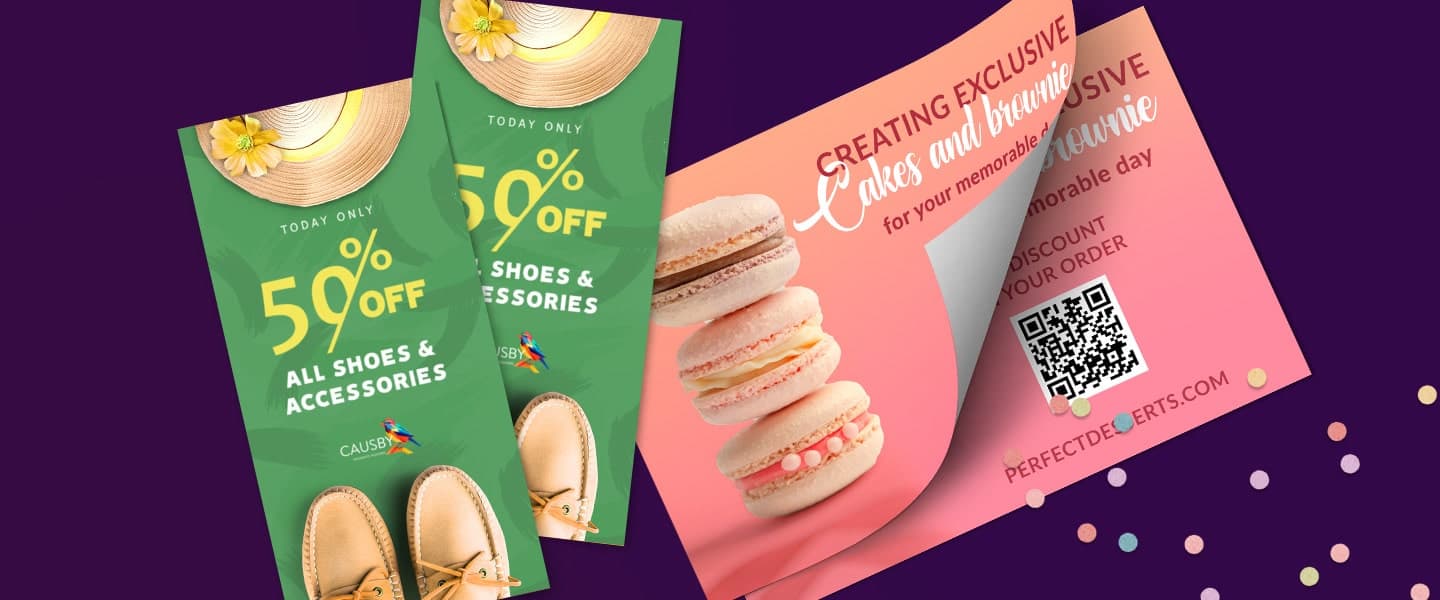
- Use one strong headline: Grab attention in 5–7 words.
- Add a clear CTA: “Call today,” “Visit us,” or “Book now.”
- Keep text minimal: 40% visuals, 60% text works best.
- Leverage brand colors: Consistency builds recognition.
- Always include contact info: Phone, website, or QR code.
Product links:
Anatomy of an Effective Business Flyer
Most successful flyer templates follow a similar structure:
- Attention-Grabbing Headline
- Supporting Image
- Key Benefit or Offer
- Supporting Details
- Clear Call-to-Action
- Contact Information
When evaluating flyer templates, prioritize layouts that naturally guide the reader from headline to action.
A beautiful flyer that lacks a clear next step often underperforms a simpler design.
Free & Paid Flyer Template Resources
- Overnight Prints Flyer Templates: beginner-friendly, tons of layouts
- Template.net Flyer Templates: niche industry options
Best Flyer Makers for Small Businesses
| Flyer Maker | Best For | Main Advantage |
| Overnight Prints | Design + printing | Templates connected directly to printing |
| Canva | Beginners | Large template library and simple editor |
| Adobe Express | Customization | More design flexibility |
| Template.net | Industry templates | Wide range of niche layouts |
Many small businesses use flyer builders and templates to save time while maintaining a professional appearance.
Popular options include:
Overnight Prints Templates
Ideal for businesses that want an integrated design-and-print workflow.
Canva
Offers drag-and-drop editing and a large selection of flyer templates.
Adobe Express
Provides customizable templates with more advanced design flexibility.
Template.net
Useful for industry-specific flyer designs and business promotions.
The best platform depends less on features and more on how quickly you can customize, approve, and print your design.
Business Flyer Design Checklist
Before you print your flyers, ask yourself:
✅ Headline: Is it short, clear, and eye-catching?
✅ Call-to-Action: Does it tell people exactly what to do next (call, visit, scan)?
✅ Images: Are the visuals high-quality and relevant to your audience?
✅ Branding: Do the colors, fonts, and logo align with your brand?
✅ Contact Info: Did you include phone, website, or QR code?
✅ Balance: Is the text minimal (no overcrowding) with enough white space?
✅ Size: Did you choose the right format for distribution (half-sheet, full page)?
Pro tip: Print a small test batch before your full run to make sure the design works in real life.
Flyer templates make it easy for small businesses to look professional and promote effectively without hiring a designer.
Whether you’re launching a sale, opening a new location, or running a seasonal campaign, a flyer insert can grab attention fast.
Design and print today: Custom Flyers
Frequently Asked Questions About Business Flyer Templates
What is a business flyer?
A business flyer is a printed or digital marketing piece used to promote a company, product, service, event, or special offer. Flyers typically combine a short headline, visuals, key information, and a call-to-action in an easy-to-scan format.
What should a business flyer include?
A business flyer should include a clear headline, your main message or offer, relevant images, your business name or logo, a call-to-action, and contact information. You can also include a website, social media handle, address, or QR code when relevant.
What are the best flyer templates for small businesses?
The best flyer template depends on your campaign goal. Promotional templates work well for sales and special offers, event flyers for openings or workshops, service flyers for explaining what your business does, and product flyers for highlighting specific products or collections.
Where can I find business flyer examples?
You can find business flyer examples in online template libraries and design platforms. Look for examples related to your industry and campaign goal, such as restaurant promotions, real estate open houses, retail sales, local services, events, or product launches. Use them for layout inspiration, then customize the design to match your own brand.
How do I design a flyer for my business?
Start by deciding on one main goal, such as promoting a sale, generating calls, announcing an event, or introducing a service. Choose a flyer template that supports that goal, then customize the headline, images, colors, branding, offer, and contact information. Finish with a clear call-to-action that tells readers what to do next.
What is the best flyer size for a small business?
Popular flyer sizes include 4″ × 6″, 5.5″ × 8.5″, and 8.5″ × 11″. Smaller flyers are convenient for handouts and promotions, while larger formats provide more room for images, service details, menus, or event information. Choose the size based on how the flyer will be distributed and how much information it needs to contain.
Are business flyer templates customizable?
Yes. Most business flyer templates can be customized with your logo, brand colors, fonts, images, text, offers, and contact information. Starting with a template gives you an established layout while still allowing the finished flyer to match your business.
Should I use a flyer template or design from scratch?
A flyer template is usually a practical choice if you want to save time or don’t have extensive design experience. Designing from scratch gives you more creative control but requires more time and design knowledge. In either case, prioritize a clear message, readable layout, strong branding, and an obvious call-to-action.
What is the best flyer maker for small businesses?
The best flyer maker depends on your workflow and design needs. Overnight Prints is useful when you want to move from a customizable template directly to professional printing, while tools such as Canva and Adobe Express provide large template libraries and online design editors. Choose a platform that makes it easy to customize, review, and prepare your flyer for printing.
How can I make a business flyer look professional?
Use a clean layout, consistent brand colors and fonts, high-quality images, and enough white space to keep the design easy to read. Limit the flyer to one main message, make important information visually prominent, and avoid overcrowding the page. Before printing, check image quality, spelling, contact details, alignment, and margins.