Choosing between a tri-fold and a bi-fold brochure depends on how much information you need to present and how you want readers to experience it.
Quick answer: Choose a tri-fold brochure for structured, panel-by-panel information. Choose a bi-fold brochure for larger visuals, simpler messages, and a book-like presentation.
This guide compares their panels, layouts, best uses, advantages, and limitations so you can choose the right brochure format for your business.
Overnight Prints offers custom brochure printing with bi-fold, tri-fold, Z-fold, and flat options.
Tri-Fold vs. Bi-Fold Brochures: Quick Comparison
| Feature | Tri-fold brochure | Bi-fold brochure |
| Number of folds | Two | One |
| Number of panels | Six | Four |
| Opening style | Panels fold inward | Opens like a book |
| Reading experience | Structured and sequential | Spacious and visual |
| Best for | Services, instructions, healthcare, education and event information | Menus, catalogs, portfolios, real estate and brand presentations |
| Content organization | Several short sections | Fewer, larger sections |
| Image space | Smaller individual panels | Larger areas for photography and graphics |
| Main advantage | Organizes detailed information | Creates greater visual impact |
| Main limitation | Content can feel fragmented or cramped | Too much information can overcrowd the layout |
Simple rule: Use a tri-fold when your message needs several organized sections. Use a bi-fold when your message needs fewer sections and more visual space.
What Is a Bi-Fold Brochure?
A bi-fold brochure is a single sheet of paper folded once down the middle, creating four panels: a front cover, two inside panels, and a back cover.
Because it opens like a book, a bi-fold brochure provides larger design areas and a more spacious layout. This makes it a popular choice for businesses that want to showcase strong visuals, tell a brand story, or present products and services without overwhelming readers with too much information.
From a brochure design perspective, bi-fold brochures offer more room for large images, product photography, and clean layouts that create a premium feel.
Bi-fold brochures are commonly used for:
- Restaurant menus
- Product catalogs
- Travel brochures
- Real estate property showcases
- Luxury service businesses
The larger panels allow photos, graphics, and key messaging to stand out while creating a polished, professional presentation.
If your goal is to make a strong visual impression while keeping your message simple and focused, a bi-fold brochure is often the best choice for marketing materials that rely heavily on design and branding.
What Is a Tri-Fold Brochure?
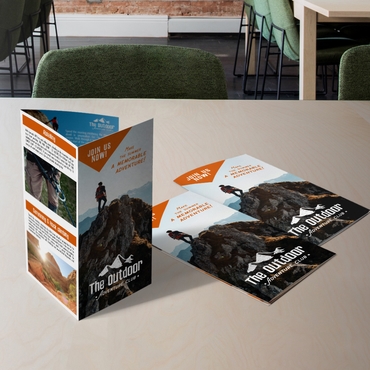
A tri-fold brochure is a single sheet of paper folded into three sections, creating six separate panels.
This is one of the most widely used brochure formats because it naturally guides readers through information in a specific order. Each panel serves a purpose, helping businesses organize content into smaller, easy-to-read sections.
Unlike a bi-fold brochure, a tri-fold brochure is often chosen when the brochure design needs to communicate multiple services, explain a process, or educate potential customers step by step.
Tri-fold brochures are commonly used for:
- Service overviews
- Healthcare information
- Educational materials
- Event guides
- Company presentations
Because the layout breaks information into multiple panels, it works especially well when you need to explain a process, compare services, or walk customers through a decision.
Many businesses choose tri-fold brochures because they provide enough space for detailed information while remaining compact, affordable, and effective for marketing campaigns, trade shows, and direct mail promotions.
Tri-Fold Brochure Panel Layout Explained
One reason tri-fold brochures remain so popular is that they help control how readers discover information.
Instead of presenting everything at once, the content unfolds panel by panel.
A typical tri-fold brochure layout looks like this:
How to Organize a Tri-Fold Brochure
| Panel position | Suggested content |
| Front cover | Headline, main visual and central benefit |
| Inside flap | Brief introduction or reason to keep reading |
| Inside left panel | First service, step or main idea |
| Inside center panel | Most important information |
| Inside right panel | Additional benefits, details or next steps |
| Back panel | Contact information and call to action |
Panel order can vary depending on the folding direction and template. Always confirm the printer’s panel guide before submitting your design because the fold-in panel may be slightly narrower.
This structure creates a natural reading journey. Readers move from curiosity to understanding and finally to action.
This layout can make detailed information easier to organize into short, readable sections.
Whether you’re promoting services, products, events, or company information, understanding how each panel works can significantly improve the effectiveness of your brochure.
Think About How Someone Will Open It
Readers do not process a brochure all at once. They see the cover, open the fold, and scan the available panels. Choose a layout that presents information in the order readers need it, without forcing content into spaces where it does not fit.
The Case for Tri-Fold: When Structure Matters
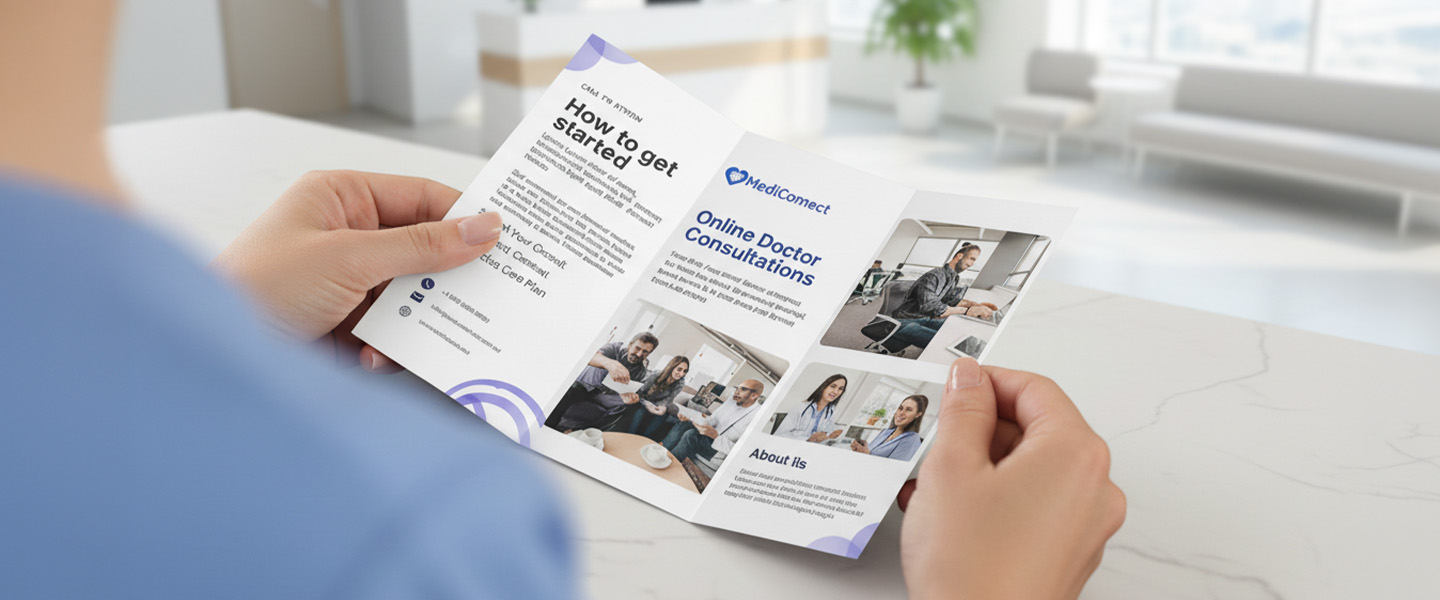
A tri-fold brochure divides your content into panels.
That might sound like a small detail, but it changes everything.
Instead of presenting all your information at once, it lets you control the order in which it’s discovered.
That’s why tri-folds work well when your message needs progression.
Think about situations like:
- Explaining a service step by step
- Breaking down different offerings
- Leading someone toward a decision
Each panel becomes a moment:
- First impression
- Explanation
- Detail
- Call to action
It’s not just a brochure, it’s a guided experience.
But that structure comes with a limitation.
If your content doesn’t need that level of organization, a tri-fold can feel restrictive. It can force you to break ideas into pieces that don’t naturally belong apart.
The Case for Bi-Fold: When Impact Matters More Than Structure
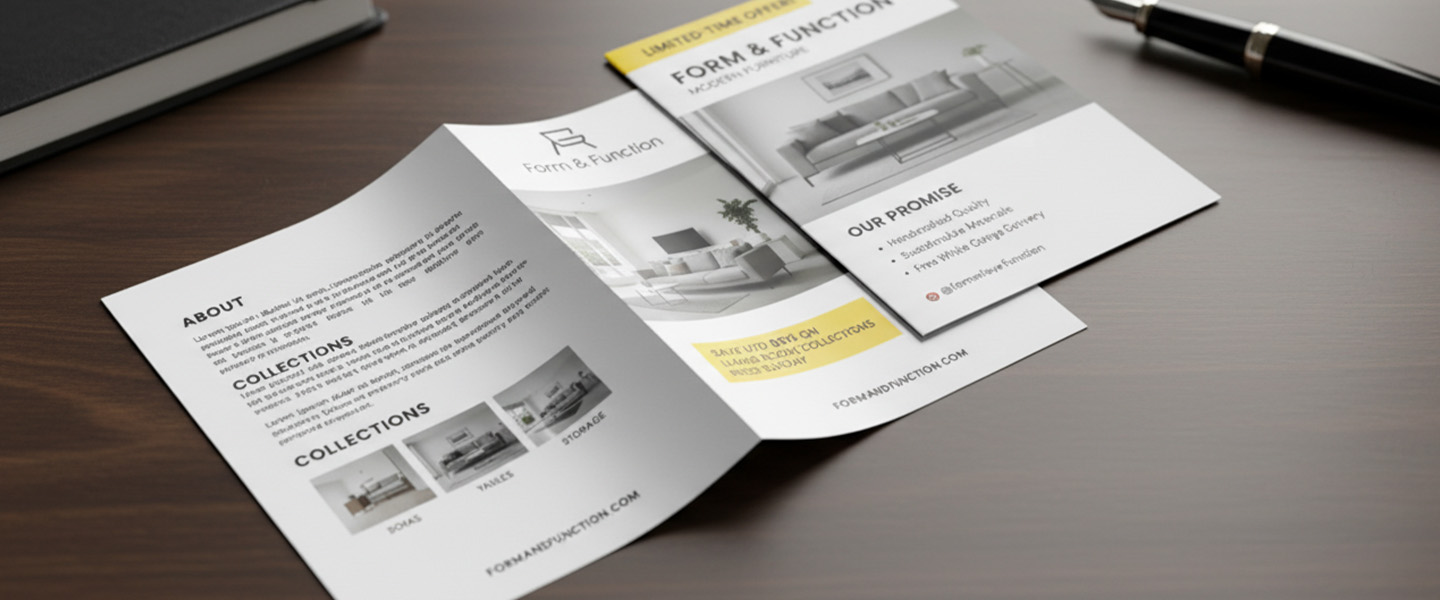
A bi-fold brochure opens like a book.
Two large panels. Fewer interruptions. More space to breathe.
This makes it ideal for content that benefits from visual flow instead of segmentation.
Bi-fold layouts work especially well when:
- You rely on strong imagery
- You want a clean, premium feel
- Your message is simple but important
Instead of guiding someone step by step, a bi-fold lets them take in the message more freely.
It feels less like instructions and more like a presentation.
That’s why it’s often used for:
- Brand overviews
- High-end services
- Menus or product showcases
But again, there’s a trade-off.
If you have too much information, a bi-fold can quickly feel crowded, or worse, vague.
What About Z-Fold Brochures?
A Z-fold brochure also creates six panels, but it opens differently from a tri-fold brochure. Instead of folding the panels inward, a Z-fold uses alternating folds that create a zig-zag or accordion shape.
This layout works particularly well for:
- Step-by-step instructions
- Product comparisons
- Maps and travel information
- Timelines
- Event schedules
- Stories that continue across several panels
Choose a Z-fold brochure when each panel should work individually but also connect to a continuous sequence when the brochure is fully opened.
The difference is simple:
- Tri-fold: Creates a compact, guided presentation with panels folded inward
- Bi-fold: Creates a spacious, book-like presentation
- Z-fold: Creates an accordion-style sequence that can be viewed panel by panel or fully opened
Overnight Prints’ official product information confirms that tri-fold and Z-fold brochures both create six panels, but Z-fold panels fold in alternating directions. View the fold explanation.
This Is Where Most Businesses Get It Wrong
The mistake isn’t simply choosing tri-fold or bi-fold. Many common brochure design mistakes happen when businesses choose a format before understanding how much content they need to present.
A business with a complex service chooses bi-fold because it “looks cleaner”… and ends up with a brochure that feels incomplete.
Another business with a simple message chooses tri-fold… and ends up over-explaining everything.
The format should follow the message, not the other way around.
A Simple Way to Decide
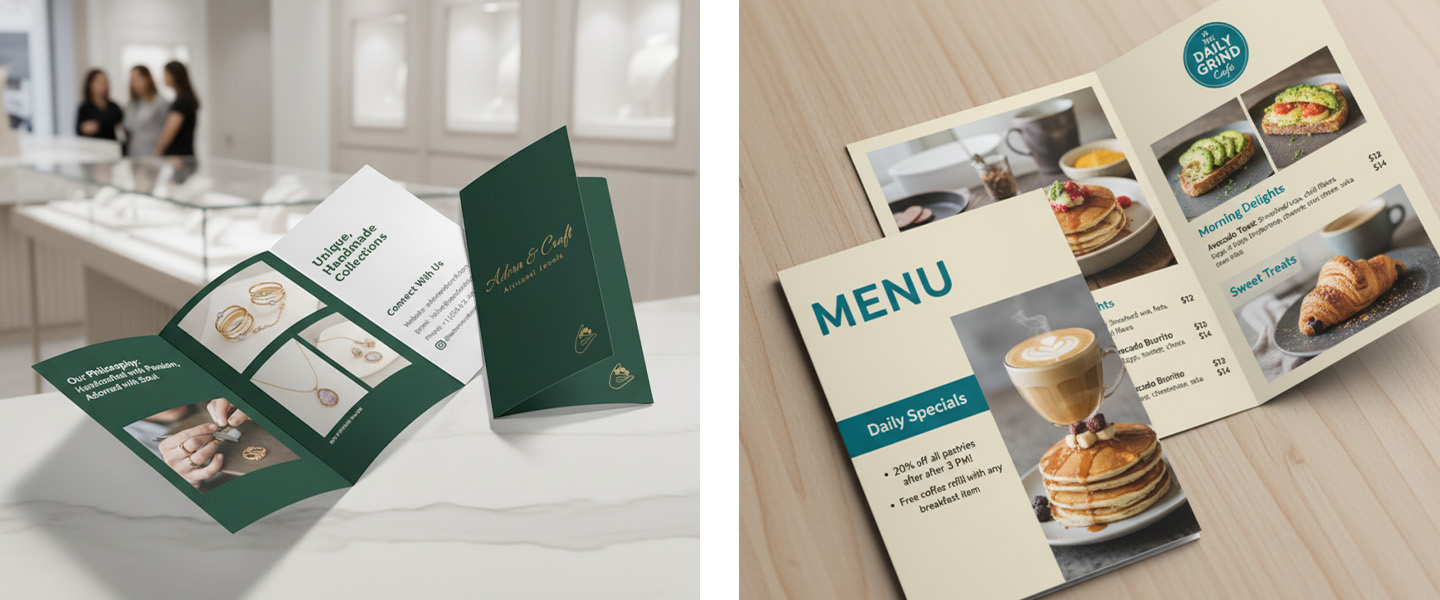
Ask how readers should move through your message.
Choose a tri-fold brochure if:
- You need several clearly separated sections
- Your content explains services or a process
- You want a compact format for handouts or displays
Choose a bi-fold brochure if:
- Photography or visual branding is central
- Your message is relatively simple
- You want larger panels and a spacious presentation
Choose a Z-fold brochure if:
- Your information follows a sequence
- You are presenting a map, timeline or comparison
- You want the entire design to form one continuous spread
The format should follow the content—not the other way around.
Frequently Asked Questions About Tri-Fold and Bi-Fold Brochures
What Is a Tri-Fold Brochure?
A tri-fold brochure is a single sheet of paper folded into three sections, creating six panels. This layout allows businesses to organize information into separate sections and guide readers through content step by step.
What Is a Bi-Fold Brochure?
A bi-fold brochure is a single sheet folded once in half, creating four panels. It opens like a book and provides larger design areas, making it ideal for visual storytelling, product showcases, and brand-focused marketing materials.
How Many Panels Does a Tri-Fold Brochure Have?
A standard tri-fold brochure has six panels: three on the front side and three on the back side. These panels can be used to introduce your business, explain services, showcase products, and include contact information or a call to action.
Which Brochure Format Is Best for Marketing?
The best brochure format depends on your goals. If you need to explain services, present multiple offerings, or guide readers through information, a tri-fold brochure is often the better choice. If your marketing relies on strong visuals and a simpler message, a bi-fold brochure may be more effective.
What Is the Difference Between a Tri-Fold and Bi-Fold Brochure?
The main difference is how the brochure is folded and how information is presented. A tri-fold brochure creates six panels and works well for structured content, while a bi-fold brochure creates four panels and offers larger design spaces for visual impact.
Are Tri-Fold Brochures Still Effective?
Yes. Tri-fold brochures remain one of the most popular marketing materials because they are compact, cost-effective, and versatile. They work well for trade shows, direct mail campaigns, healthcare information, real estate marketing, and service-based businesses.
Are Bi-Fold Brochures Better for Design?
Bi-fold brochures are often preferred when design and imagery play a major role in the message. The larger panels provide more room for photography, branding elements, and clean layouts that create a premium look and feel.
What Should Be Included in a Brochure?
Most effective brochures include:
- A compelling headline
- Clear information about products or services
- Benefits and key selling points
- Images or graphics
- Customer testimonials or proof points
- Contact information
- A strong call to action
The exact content should be tailored to your audience and business goals.
What Is the Most Common Brochure Size?
The most common brochure size is 8.5″ x 11″ folded into either a tri-fold or bi-fold layout. However, larger formats are often used for product catalogs, menus, and premium marketing presentations.
What Is the Difference Between a Tri-Fold and a Z-Fold Brochure?
Both formats create six panels. A tri-fold brochure folds its panels inward, while a Z-fold brochure uses alternating folds to create a zig-zag shape. Tri-folds are useful for compact, structured information, while Z-folds work well for timelines, maps, comparisons, and sequential content.
Ready to create your brochure? Explore tri-fold, bi-fold, and Z-fold brochure printing and choose the layout that fits your content.