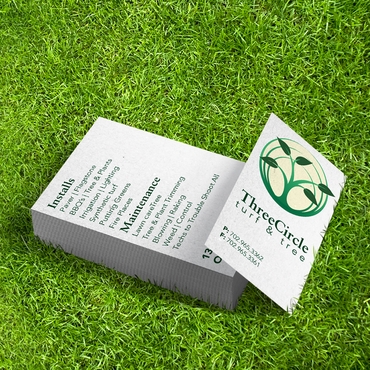
Wondering what to put on a business card? At minimum, your card should include your name, job title or role, company name, phone number, email address, and website. Depending on your business, you may also want to add your logo, physical address, social media handle, QR code, or a short tagline.
The key is not to include everything. A good business card gives people enough information to remember who you are, understand what you do, and know how to contact you.
Below, we’ll break down the essential business card information, optional details, what to leave off, and examples for different professions.
What Information Should Be on a Business Card?

The information on a business card should quickly tell someone who you are, what you do, and how to contact you. While every business is different, most cards should include the following details.
1. Your Full Name
Your name should be one of the easiest things to find on your business card. Make it prominent and easy to read so people can quickly connect your name with the conversation they had with you.
Use the name you normally use professionally rather than adding unnecessary titles or credentials.
2. Your Job Title or Role
Your job title helps people understand what you do and why they might want to contact you.
A formal title works well when it provides useful context, such as:
Founder & Creative Director
But sometimes a simpler title like Owner, Photographer, Realtor, or Marketing Consultant tells customers more.
Choose the title that makes your role immediately clear.
3. Company or Business Name
Include your company name if you represent a business or organization. It helps people remember where they met you and connects your personal information to your brand.
If you’re a freelancer or independent professional, you don’t necessarily need a separate company name. Your own name or personal brand may be enough.
4. Logo
A logo makes your business card easier to recognize and connects it visually with your website, packaging, signs, and other marketing materials.
Give your logo enough space to be recognizable without letting it compete with your name and contact information. Keep the colors and overall branding consistent with the rest of your business.
5. Phone Number
Include a phone number if calling or texting is a common way customers contact you.
Use the number you actually want customers to call. There’s usually no reason to include multiple phone numbers unless they serve clearly different purposes.
6. Email Address
An email address gives customers an easy way to contact you without requiring an immediate conversation.
When possible, use a professional email associated with your business or website, such as hello@yourbusiness.com, rather than a personal email address.
7. Website
Your website gives people somewhere to learn more about your business after receiving your card.
Keep the URL simple. You usually don’t need to print “https://” or “www.” if the address is clear without them.
For example:
yourbusiness.com
is cleaner than:
8. Physical Address — If Relevant
A physical address isn’t necessary on every business card.
Consider including one if customers regularly visit your location, especially for:
- Retail stores
- Restaurants
- Offices
- Studios or showrooms
- Local service businesses
For freelancers, consultants, remote businesses, and professionals who don’t receive customers at a physical location, an address may take up valuable space without adding much value.
9. Social Media — If Relevant
Social media can be useful when it’s an important part of how potential customers discover or evaluate your work.
It may make sense for:
- Creators
- Realtors
- Photographers
- Designers
- Restaurants
- Beauty professionals
You don’t need to list every platform you’re on. Choose the account that is most relevant to your business and that you actively want customers to visit.
For many businesses, a website, email address, or phone number is still a better primary contact method.
10. QR Code
A QR code can turn a small printed business card into a quick path to more information online. But it should have a clear purpose.
Instead of adding a QR code simply because you can, link it to something useful, such as:
- Your portfolio
- An appointment or booking page
- Your contact information
- Current listings or projects
- A digital menu
- A specific product or service page
- A special offer
Make sure people have a reason to scan it. A short call to action such as “View My Work,” “Book an Appointment,” or “See Current Listings” can make the destination clearer.
Business Card Information Checklist
You don’t need every item above on every card. Start with the information people need to identify and contact you, then add other details only when they serve a clear purpose.
| Essential for Most Business Cards | Include When Relevant |
| Full name | Physical address |
| Job title or role | Social media |
| Company name | QR code |
| Phone number or email | Tagline or value statement |
| Website | Credentials |
| Logo | Appointment or booking link |
The best business card information is the information that helps someone remember you and take the next step. If a detail doesn’t help with either of those things, you probably don’t need it on the card.
If you’re still deciding on format or size, this guide on Business Card Sizes Explained: US vs Euro vs Square can help you choose a layout that supports this simplicity.
What to Put on a Business Card by Profession
Not every business card needs the same information. What you include should depend on your profession, how customers typically contact you, and what you want them to do after receiving your card.
Here are a few examples of how to organize business card information for different professions.
What to Put on a Realtor Business Card
A real estate business card should make it easy for potential buyers and sellers to contact you and explore your listings.
Front
- Full name
- Professional title
- Brokerage or company name
- Logo
- Phone number
- Email address
Back
- Website
- QR code linking to current listings or your agent profile
- Relevant social media handle
If your brokerage has specific branding or disclosure requirements, make sure your card follows those guidelines.
What to Put on a Small Business Owner Business Card
For a small business owner, the card should quickly explain what your business does and give customers an easy way to reach or visit you.
Front
- Full name
- Owner or founder title
- Business name
- Logo
- Phone number
- Email address
Back
- Website
- Physical address, if customers visit your location
- Short tagline or value statement
- QR code to your website, menu, services, or booking page
If the business name doesn’t immediately explain what you offer, a short description can help provide context.
What to Put on a Freelancer Business Card
Freelancers can keep their business cards especially simple. Your name, specialty, and portfolio are usually more important than having a formal company name.
Front
- Full name
- Profession or specialty
- Email address
- Website or portfolio
Back
- QR code to your portfolio
- Relevant social media handle
- Short description of your services
For example, “Freelance Copywriter” or “Web & Brand Designer” is usually more useful than a vague title that doesn’t explain what you do.
What to Put on a Consultant Business Card
A consultant’s business card should immediately communicate their area of expertise and how a potential client can continue the conversation.
Front
- Full name
- Consulting specialty
- Company name, if applicable
- Phone number
- Email address
Back
- Website
- Short value statement
- QR code to a professional profile, case studies, or booking page
- LinkedIn handle, if relevant
Instead of simply using “Consultant,” consider being more specific with titles such as “Small Business Marketing Consultant” or “Financial Strategy Consultant.”
What to Put on a Contractor Business Card
Contractors often rely on phone calls and local referrals, so contact information should be especially easy to find.
Front
- Full name
- Business name
- Service or trade
- Phone number
- Email address
- Logo
Back
- Website
- Service area
- License number, if required or relevant
- QR code to project photos, reviews, or a quote request page
Avoid filling the card with a long list of every service you offer. A clear category such as “Residential Plumbing & Repairs” can communicate more with less space.
What to Put on a Photographer or Designer Business Card
For visual professionals, the business card itself can be an extension of the portfolio. Keep the information simple and give potential clients an easy way to see more of your work.
Front
- Full name
- Specialty
- Logo or personal branding
- Website or portfolio URL
- Email address
Back
- QR code to your portfolio
- Relevant social media handle
- Booking or inquiry information
A photographer might use a title such as “Wedding & Portrait Photographer,” while a designer could use “Brand & Graphic Designer.” Being specific helps potential clients immediately understand the type of work you offer.
What to Put on a Service Professional Business Card
For professionals who provide appointments or local services—such as hairstylists, cleaners, tutors, or personal trainers—the most important information is often how to get in touch and book the service.
Front
- Full name
- Service or specialty
- Business name
- Phone number
- Email address
Back
- Booking website
- QR code to schedule an appointment
- Business location or service area
- Relevant social media handle
Think about the action you want someone to take after receiving your card. Whether that’s calling for a quote, viewing your portfolio, browsing listings, or booking an appointment, make that next step easy to find.
What Goes on the Front and Back of a Business Card?
Once you know what information to put on a business card, the next question is where everything should go. Using both sides gives you more room to organize your information without making the card feel crowded.
There’s no strict rule for what has to appear on each side, but the front should usually establish who you are and your brand, while the back can provide additional contact details or a clear next step.
What to Put on the Front of a Business Card
The front of your business card should make you easy to identify at a glance. Prioritize the information that tells someone who you are and what business you represent.
Consider including:
- Your logo
- Full name
- Job title or role
- Company or business name
Keep the layout simple and give the most important information enough space to stand out.
What to Put on the Back of a Business Card
The back gives you additional space for contact information and a next step without overcrowding the front.
Consider including:
- Phone number
- Email address
- Website
- QR code
- Short call to action
For example, a QR code could be paired with “View My Portfolio,” “Book an Appointment,” “See Our Menu,” or “View Current Listings” so people know what they’ll find when they scan it.
You don’t have to follow this exact front-and-back layout. Contact information can go on the front, and your logo can appear on either side. What matters most is creating a clear visual hierarchy so someone can quickly find your name, understand what you do, and know how to contact you.
Business Card Design Best Practices for 2026
Good business card design isn’t about adding more elements. It’s about making information easier to understand.
Follow these principles:
Prioritize Readability
Use fonts that are easy to read at small sizes.
Create a Clear Visual Hierarchy
Your name should stand out first.
Your role and contact information should follow.
Leave White Space
A crowded business card feels harder to scan and less professional.
Use Consistent Branding
Your colors, fonts, and logo should match your website and other marketing materials.
The goal is not to fit more information onto the card. The goal is to make the important information impossible to miss.
What You Should Avoid (Even If It Seems “Helpful”)
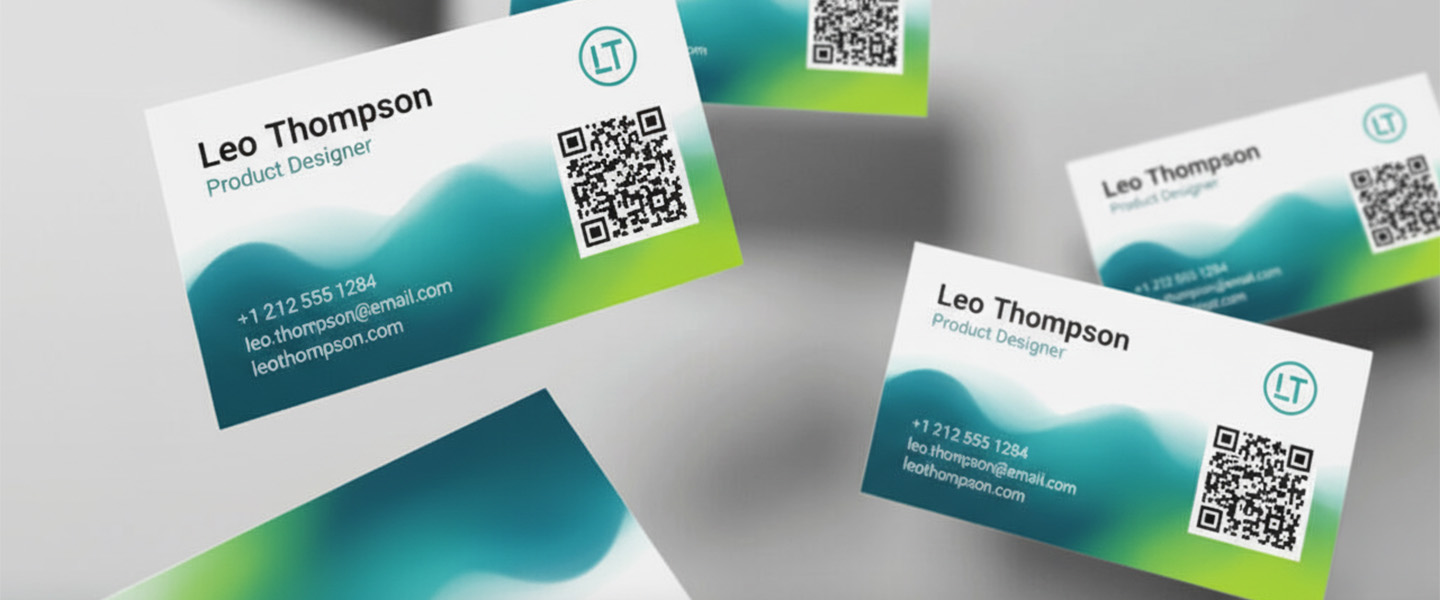
This is where most cards lose their impact.
Too Many Contact Options
If you include:
- Phone
- Website
- TikTok
You’re not making it easier, you’re making it harder to choose.
Pick one primary action.
Overcrowded Design
White space is not wasted space. It’s what makes your card readable, memorable, and easy to scan.
If everything is important, nothing stands out.
Outdated Information
It sounds obvious, but it happens often.
A business card only works if the information is accurate and current.
If something changes frequently, consider whether it belongs on the card at all.
What Business Cards Are Really For in 2026
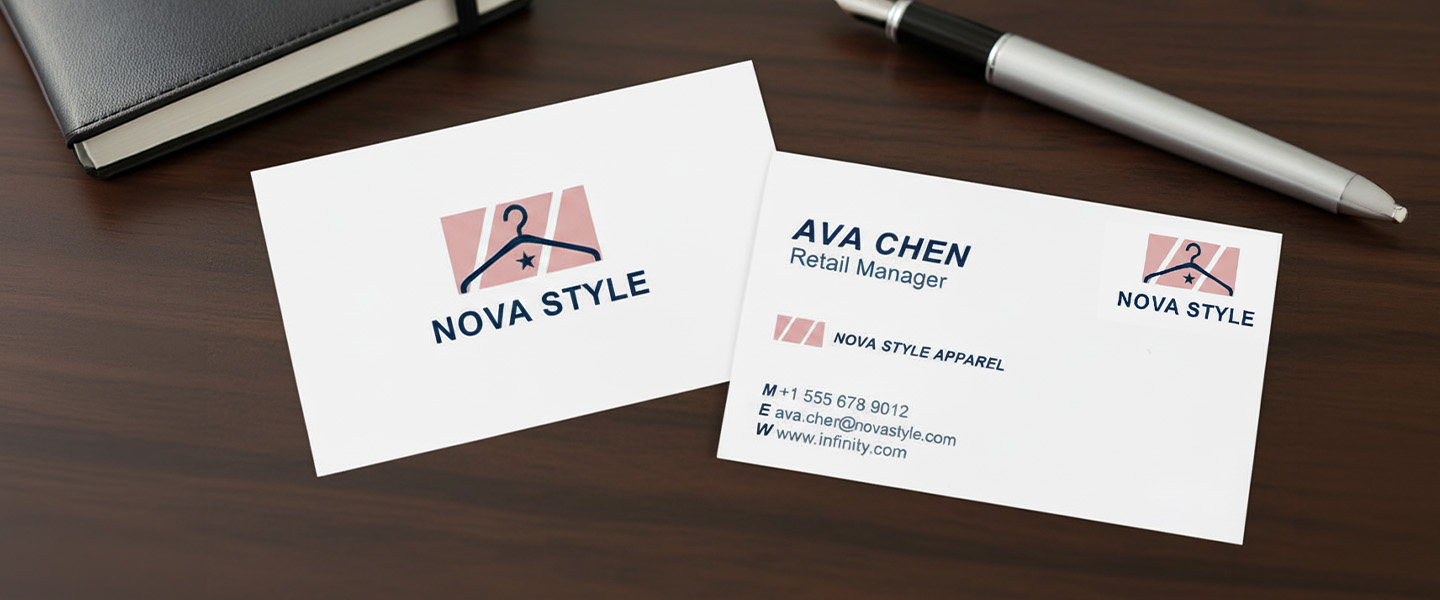
A business card is no longer just a contact tool.
It’s a bridge.
From:
- Meeting → remembering
- Interest → action
The goal isn’t to explain everything.
It’s to make the next step obvious.
If you’re also thinking about how your card looks and feels, this guide on How to Make Your Business Cards Stand Out (Even on a Budget) can help you go beyond just the information.
Frequently Asked Questions About Business Card Information
What information should be on a business card?
A business card should typically include your full name, job title or role, company name, phone number or email address, website, and logo. You can also add a physical address, social media handle, QR code, or short tagline when relevant to your business.
What are the most important things to put on a business card?
The most important information is your name, what you do, the business you represent, and a clear way to contact you. Prioritize the details someone needs to remember you and take the next step.
What should you not put on a business card?
Avoid unnecessary information such as multiple phone numbers, every social media account, long lists of services, excessive credentials, or large amounts of text. Outdated information and tiny, difficult-to-read text should also be avoided.
Should you put your address on a business card?
Include your address if customers regularly visit your location, such as a retail store, restaurant, office, or studio. If you work remotely or customers don’t need to visit you, a physical address usually isn’t necessary.
Should you put your phone number on a business card?
Yes, if calling or texting is a common way customers contact you. Use the phone number you actually want customers to use rather than including multiple numbers that could create confusion.
Should you put social media on a business card?
Social media can be useful if it plays an important role in your business. For example, photographers, designers, realtors, restaurants, and creators may benefit from including a relevant social profile. Choose one primary account instead of listing every platform.
Should a business card have a QR code?
A business card doesn’t need a QR code, but one can be useful if it provides a clear next step. It could link to your portfolio, booking page, contact information, menu, current listings, or another page that is useful to potential customers.
What goes on the front of a business card?
The front typically includes the information that identifies you and your brand, such as your name, job title, company name, and logo. However, contact information can also appear on the front if it fits naturally within the design.
What goes on the back of a business card?
The back can be used for additional contact information, a website, QR code, short call to action, tagline, or other supporting information. Using the back helps keep the front of the card clean and easy to read.
How much information is too much on a business card?
A business card has too much information when the important details become difficult to find or read. If someone can’t quickly identify who you are, what you do, and how to contact you, simplify the card and remove anything that doesn’t serve a clear purpose.
Ready to Create Yours?
Explore options and formats here: Business Card