A postcard can look ready to mail while still creating problems at the post office.
The finished size may not qualify for postcard pricing. The delivery address may be difficult for postal equipment to read. A design element could interfere with the postage or barcode area. Even the direction of the address can affect how the piece is classified.
Before designing a postcard campaign, confirm three things:
- How the postcards will be mailed
- Which size and postage category applies
- How much space the address side requires
This guide covers the basic domestic USPS postcard mailing requirements for size, addressing, postage, and design. Requirements can vary by mail class, quantity, preparation method, and postal program, so verify current standards before printing a large campaign.
Quick Answer: What Does a Postcard Need to Be Mailed?
For a straightforward domestic postcard mailed at the USPS retail First-Class Mail postcard price, the piece must be:
- Rectangular
- At least 5 inches long
- At least 3½ inches high
- At least 0.007 inch thick
- No more than 6 inches long
- No more than 4¼ inches high
- No more than 0.016 inch thick
It also needs:
- Legible delivery address
- Correct postage
- Clear space for postal markings
- Address and postage on the same side
- Address positioned parallel to the longest side
- Material sturdy enough to withstand mail processing
These are the current retail card-price dimensions listed in the USPS postcard size guidance.
Larger postcards may still be mailable, but they do not automatically qualify for the same retail postcard price.
USPS Postcard Size Requirements
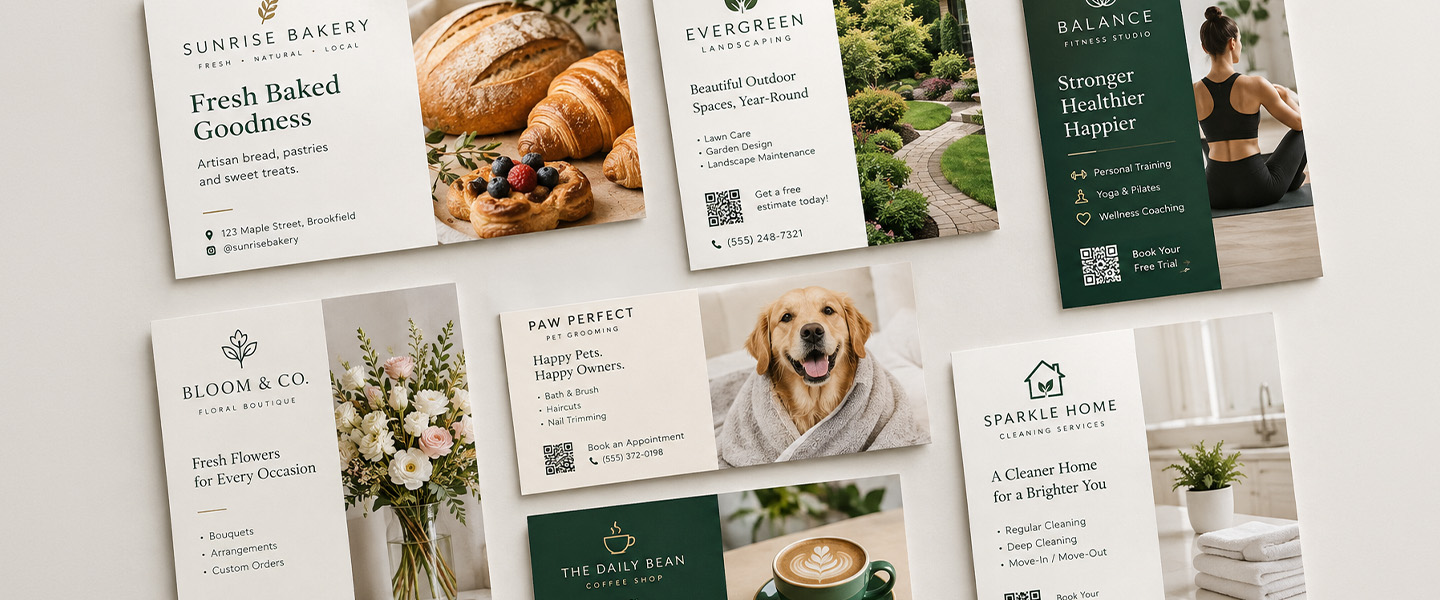
USPS uses the finished dimensions—not the dimensions of the design file before trimming—to classify a postcard.
| Requirement | Retail Postcard-Price Standard |
| Shape | Rectangular |
| Minimum length | 5 inches |
| Maximum length | 6 inches |
| Minimum height | 3½ inches |
| Maximum height | 4¼ inches |
| Minimum thickness | 0.007 inch |
| Maximum thickness | 0.016 inch |
A standard 4 × 6-inch postcard fits within these length and height limits, assuming the thickness and other mailing requirements are also met.
For a more detailed comparison of common formats, see our postcard mailing size guide.
Can You Mail a 5 × 7 or 6 × 9 Postcard?
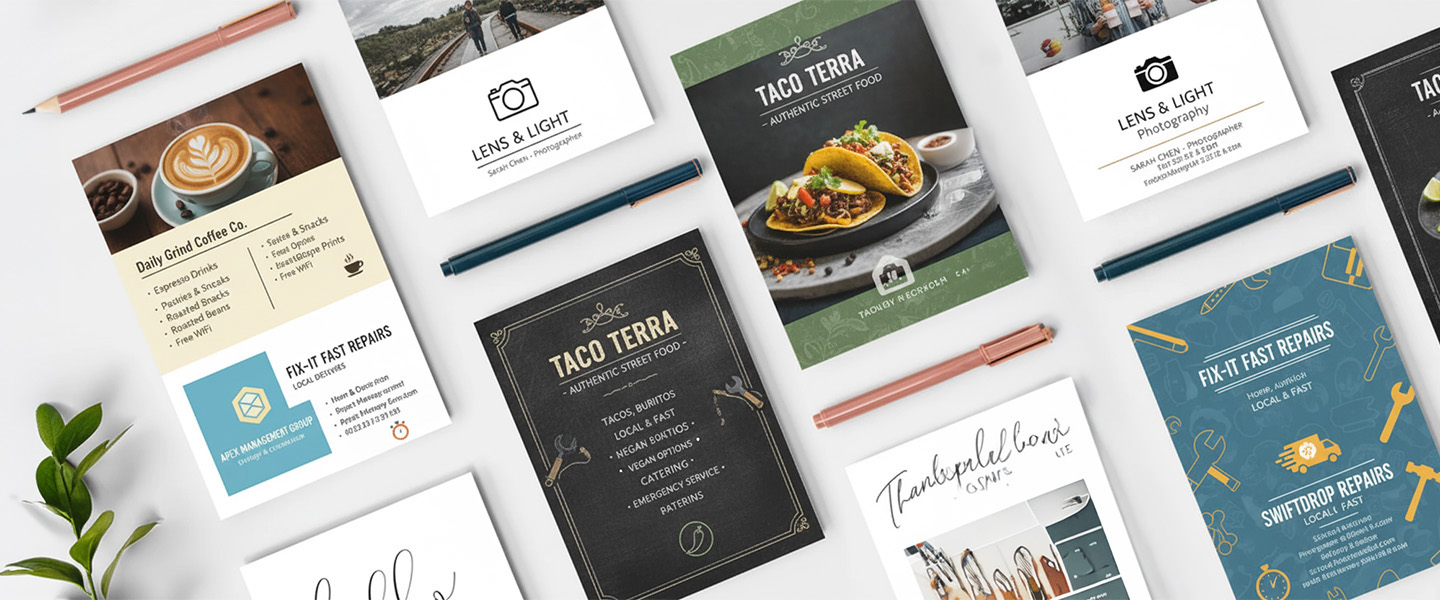
Yes, but the postage category may change.
A 5 × 7-inch card exceeds the 4¼ × 6-inch maximum for the standard retail postcard price. A 6 × 9-inch card also exceeds those retail limits.
Depending on the mail class and preparation method, a larger card may be treated as:
- First-Class Mail letter
- Commercial First-Class Mail card
- USPS Marketing Mail letter
- Another eligible commercial-mail format
Current commercial First-Class Mail card standards may allow pieces as large as 6 × 9 inches when all applicable preparation, thickness, addressing, barcoding, and eligibility requirements are satisfied. Review the current USPS Quick Service Guide for letters and cards or work with a qualified mailing provider before assuming a larger card qualifies.
The practical takeaway is:
A product can be sold or described as a postcard without qualifying for the lowest retail postcard postage price.
Choose the mailing method before choosing the finished size.
Avoid Square and Unusual Shapes
A square card may look distinctive, but it does not fit the standard rectangular postcard-price requirements.
Unusual shapes, rounded designs beyond permitted specifications, die-cut edges, excessive rigidity, or an improper aspect ratio may result in:
- Higher postage
- Nonmachinable surcharge
- Manual processing
- Different mail classification
- Mailing delays
- Rejection if the piece is not mailable
If the campaign depends on an unusual shape, have the final design reviewed by USPS or a mailing specialist before printing the full quantity.
Choose the Mailing Method Before Designing
The layout requirements depend partly on how the postcards will enter the mail.
Individual First-Class Mail
This is the simplest approach for a small number of postcards.
Each card receives the correct postage and a complete delivery address. Standard retail postcard pricing applies only when the piece meets the applicable size and physical requirements.
Commercial First-Class Mail
Commercial First-Class Mail can be appropriate for larger, properly prepared mailings. It may involve requirements for:
- Minimum quantity
- Address quality
- Sorting
- Barcodes
- Documentation
- Postage payment method
- Mailpiece dimensions
Commercial preparation can offer different pricing or size eligibility, but it requires more planning than placing a stamp on each card.
USPS Marketing Mail
USPS Marketing Mail is commonly used for advertising and promotional campaigns that do not require First-Class service.
Commercial mail refers to larger quantities prepared according to specific requirements for reduced pricing. USPS states that First-Class Mail presort generally requires at least 500 pieces, while USPS Marketing Mail generally requires at least 200 pieces or 50 pounds. Review the current USPS commercial-mail information before planning the campaign.
Our guide to bulk mailing for small businesses explains additional factors such as preparation, timing, lists, and campaign costs.
Every Door Direct Mail
Every Door Direct Mail, or EDDM, allows businesses to send qualifying mailpieces to selected carrier routes without creating an individual customer mailing list.
EDDM has its own size, preparation, bundling, paperwork, and postage requirements. Do not assume that a standard 4 × 6-inch postcard qualifies.
Check the current USPS Every Door Direct Mail requirements before selecting the card size or preparing the artwork.
Which Side of a Postcard Is the Address Side?
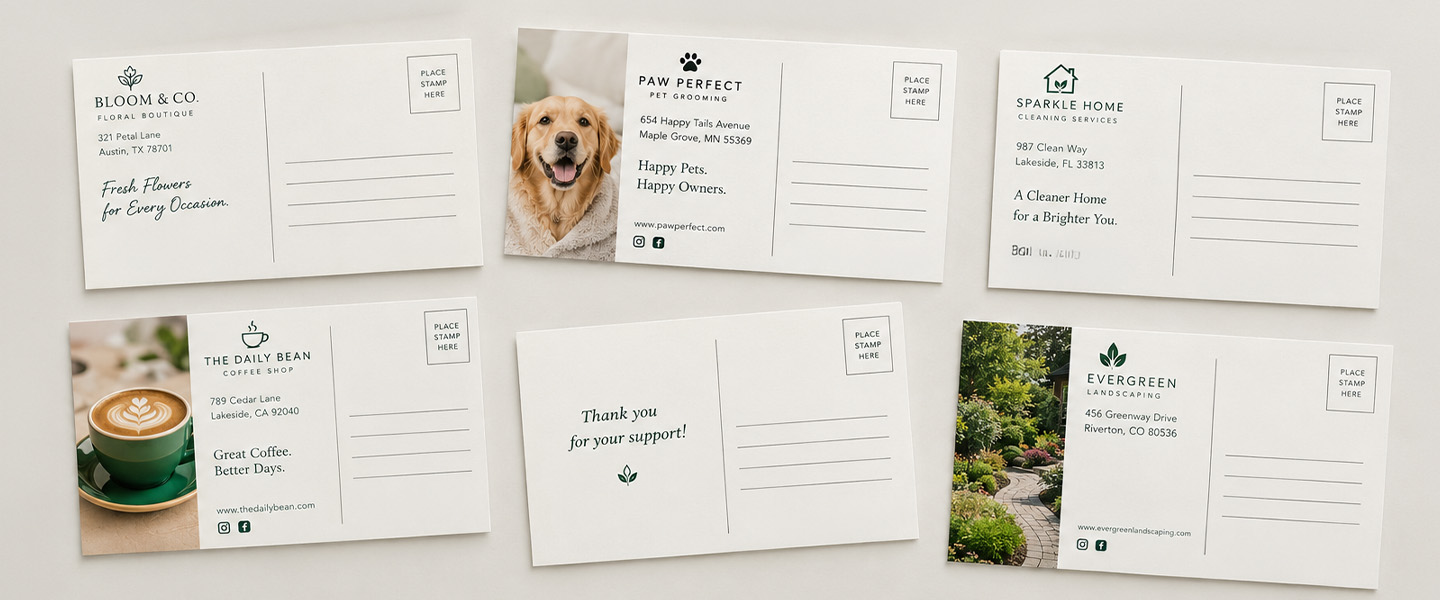
The address side is the side containing:
- Delivery address
- Postage stamp, meter mark, or permit imprint
- Postal markings and barcode space
- Optional return address
- Optional short message or promotional content
The opposite side can usually carry the primary marketing design, photograph, headline, offer, or event information.
A common layout divides the address side into two sections:
Left Side
- Short message
- Supporting copy
- Offer details
- Call to action
- Website or QR code
Right Side
- Postage
- Delivery address
- Postal processing space
The exact layout may differ when a mailing provider adds addresses, barcodes, or a permit imprint.
Before completing the design, ask the provider for a mailing template showing which areas must remain clear.
Where Does the Delivery Address Go?
Place the delivery address on the same side as the postage.
On a traditional horizontal postcard, it generally appears in the right portion of the address side. USPS advises that the address should run parallel to the longest side of the mailpiece.
A domestic address normally contains:
RECIPIENT NAME
COMPANY NAME, IF APPLICABLE
STREET ADDRESS AND UNIT NUMBER
CITY STATE ZIP CODE
Example:
JORDAN LEE
450 OAK STREET APT 12
AUSTIN TX 78701-1234
USPS recommends clear, simple address formatting such as:
- Capital letters
- No punctuation
- Left-aligned text
- Simple typeface
- Dark text on a white or light background
- At least 10-point type
- ZIP+4 when available
See the current USPS delivery-address recommendations for more information.
Decorative fonts, reverse text, busy images, low contrast, and irregular spacing may make the address harder to read.
Is a Return Address Required on a Postcard?
A return address is recommended because it identifies the sender and may allow an undeliverable piece to be returned.
It is also required for certain mail classes, services, endorsements, or mailing situations.
When used, place the return address in the upper-left portion of the address side or addressing area. It should be clearly separated from the delivery address so the two cannot be confused.
A return address might include:
BUSINESS NAME
123 MAIN STREET
DENVER CO 80202
USPS provides additional instructions in its guide to sending domestic letters and postcards.
Where Does Postage Go on a Postcard?
For a traditional individually mailed postcard, place the stamp in the upper-right corner of the address side.
Commercial mail may use:
- Permit imprint
- Postage meter mark
- Precancelled stamp
- Another approved postage-payment method
A permit imprint must follow specific design and placement requirements. Do not create a decorative imitation or invent permit information.
If a mailing provider is handling postage, ask whether the provider will:
- Add the indicia
- Supply an approved artwork block
- Provide a template
- Print the addresses
- Add the Intelligent Mail barcode
- Reserve the required clear zones
Confirm this before submitting the final artwork.
Leave Space for Postal Barcodes and Markings
Postal equipment may print or read barcodes and other markings on the address side.
Avoid placing important content where postal markings may appear, including:
- Promotional code
- Phone number
- QR code
- Expiration date
- Logo
- Legal terms
- Essential photograph
- Main call to action
The required barcode location can depend on the mail class, size, addressing method, and preparation.
Do not guess the barcode clear zone when preparing commercial mail. Use the template supplied by the printer, mailing provider, or USPS.
Postcard Design Basics for Mailing
Mailing requirements and print requirements need to work together.
Use One Side for Visual Impact
The non-address side can carry:
- Main headline
- Strong photograph
- Offer
- Event
- Product
- Customer benefit
- Business identity
Keep the message focused. A postcard is easier to understand when it promotes one main action.
Keep the Address Side Simple
The address side can still include branding and promotional content, but the delivery address and postage must remain easy to identify.
Avoid backgrounds that make the address difficult to read.
Include Bleed
If a color, photograph, or design should extend to the finished edge, extend it into the printer’s required bleed area.
Bleed belongs outside the finished trim size. It does not increase the final mailing dimensions.
Protect the Safe Zone
Keep text, QR codes, logos, and other essential elements inside the printer’s safe zone.
A card can meet postal requirements and still lose important content during trimming if the design ignores the print safe zone.
Use High-Resolution Images
Images that look clear on a phone may appear blurry in print.
Use high-resolution source files at their intended physical size and follow the printer’s current file requirements.
Test QR Codes
If the card includes a QR code:
- Test it at the final printed size
- Use strong contrast
- Keep space around it
- Test more than one phone
- Confirm the destination works on mobile
- Avoid placing it in a barcode or addressing area
Add a reason to scan, such as:
Scan to Book an Appointment
rather than only:
Scan Me
Check Orientation
The front and back should face the correct direction when the physical postcard is turned over.
This is especially important when one side is vertical and the other is horizontal.
Use the printer’s template and digital proof instead of relying on assumptions about how the artwork will flip.
A Simple Address-Side Layout
For a traditional horizontal postcard, use this general structure:
Upper Left
Return address or small logo
Upper Right
Stamp, meter mark, or approved permit imprint
Left Portion
Short message, offer details, website, or QR code
Right-Center Portion
Delivery address
Lower Area
Reserved postal or barcode space when required
This is a planning example, not a universal postal template. Commercial mailings may require different placements or larger clear zones.
Common Postcard Mailing Mistakes
Choosing the Size Before the Mailing Method
A 5 × 7 or 6 × 9 card may be a good marketing format, but it does not qualify for the standard retail postcard price.
Estimate printing and postage together.
Covering the Address Area With Artwork
A busy image, pattern, or dark color can interfere with address readability.
Provide a clean, high-contrast addressing area.
Placing the Address in the Wrong Direction
The delivery address should be parallel to the longest side.
Rotating it may affect machinability and classification.
Forgetting Postage or Indicia Space
The design must leave room for the stamp, meter mark, or permit imprint required by the mailing method.
Using an Outdated Mailing List
Incorrect and incomplete addresses can increase undeliverable mail and waste campaign budget.
Review and update the list before printing personalized addresses.
Printing the Entire Quantity Before Postal Review
For a commercial mailing, have the size, stock, layout, and addressing plan reviewed before producing thousands of cards.
A small test print does not confirm postal eligibility by itself.
Confusing Bleed With Postal Clear Space
Bleed helps with trimming.
Postal clear space protects the address, postage, barcode, and processing areas.
A postcard needs both types of planning.
Postcard Mailing Checklist
Before approving the order, confirm:
- Mailing method selected
- Finished size qualifies for the intended mail category
- Stock meets thickness requirements
- Address is parallel to the longest side
- Delivery address area is clear and readable
- Return address is correctly positioned, when used
- Postage or permit space is reserved
- Barcode clear zone is confirmed
- Front and back orientation is correct
- Bleed and safe zone follow print specifications
- QR code has been tested
- Mailing list has been reviewed
- Offer dates and contact details are correct
- Final postal and print proofs have been approved
Related Print Products
Postcards
Custom postcards can support direct-mail promotions, grand openings, customer reminders, seasonal campaigns, real estate marketing, and local events.
Choose the finished size only after confirming how the cards will be mailed.
Flyers
If the campaign will be distributed by hand rather than through the mail, custom flyers may provide more flexibility for size, shape, and content.
Flyers can be used at events, counters, approved community boards, and partner locations.
Brochures
When the message requires several sections, service explanations, menus, or detailed information, custom brochures can be mailed inside an appropriately prepared envelope.
Remember that the envelope and total mailpiece determine the postal classification.
Frequently Asked Questions About Postcard Mailing Requirements
What is the maximum size for a postcard stamp?
For the standard domestic retail First-Class Mail postcard price, the maximum size is generally 6 inches long by 4¼ inches high, with a maximum thickness of 0.016 inch.
Larger cards may still be mailed, but different pricing or commercial preparation requirements may apply.
What is the minimum postcard size for mailing?
For the standard domestic retail postcard price, the minimum size is 5 inches long by 3½ inches high and 0.007 inch thick.
Can I mail a 4 × 6 postcard?
Yes. A 4 × 6-inch rectangular card falls within the basic retail postcard length and height limits, assuming it also satisfies thickness, addressing, postage, and other applicable requirements.
Can I mail a 5 × 7 postcard with a postcard stamp?
A 5 × 7-inch card exceeds the standard retail postcard-price dimensions. It may require letter postage or another eligible mailing method.
Confirm the current classification and price with USPS before mailing.
Can both sides of a postcard have designs?
Yes, but one side must still provide clear space for the delivery address, postage, postal markings, and any required barcode.
Do not allow the design to make the address difficult to find or read.
Does a postcard need a return address?
A return address is recommended and is required in certain mailing situations. When used, place it in the upper-left portion of the address side or addressing area.
Can I put a QR code on the address side?
Yes, if it does not interfere with the delivery address, postage, barcode, or required postal clear zones.
Test the QR code after printing and coordinate placement with the mailing provider.
Do larger postcards get more attention?
A larger postcard provides more design space and may be visually prominent, but it can also cost more to print and mail.
Choose the format based on the campaign message, budget, audience, and mailing method rather than size alone.
Can a postcard be mailed vertically?
A postcard can use a vertical design, but address orientation affects how USPS defines the mailpiece’s length and height.
The delivery address should run parallel to the longest side. Confirm the layout before printing a vertically designed mailing piece.
Design the Mailing Plan and Postcard Together
A successful postcard campaign begins before the artwork.
First, determine whether the cards will be mailed individually, through a commercial mailing, or with a program such as EDDM. Then confirm the applicable size, stock, addressing, postage, and barcode requirements.
Once those details are clear, build the marketing design around the remaining space.
The front can attract attention. The address side can support the message. But delivery information and postal processing areas must remain clear.
When you are ready to create the campaign, explore postcard printing from Overnight Prints and confirm the intended mailing requirements before approving the final size and artwork.