Imagine walking into a salon, café, or local service business and trying to figure out how much something costs.
The prices are scattered across different pages, service descriptions are confusing, or the text is so small that you have to ask an employee for help.
That’s not the experience you want customers to have.
A well-designed price list makes it easier for people to understand your products or services, compare their options, and decide what works for them.
For small businesses, business price list design is about more than making prices look attractive. It’s about organizing information clearly, presenting your services professionally, and helping customers make confident purchasing decisions.
Whether you’re creating a salon service menu, a photography pricing sheet, a café price list, or a printed guide for your business, this article will walk you through the process.
You’ll learn how to structure your prices, choose the right layout, avoid common design mistakes, and prepare your price list for professional printing.
What Is a Business Price List?
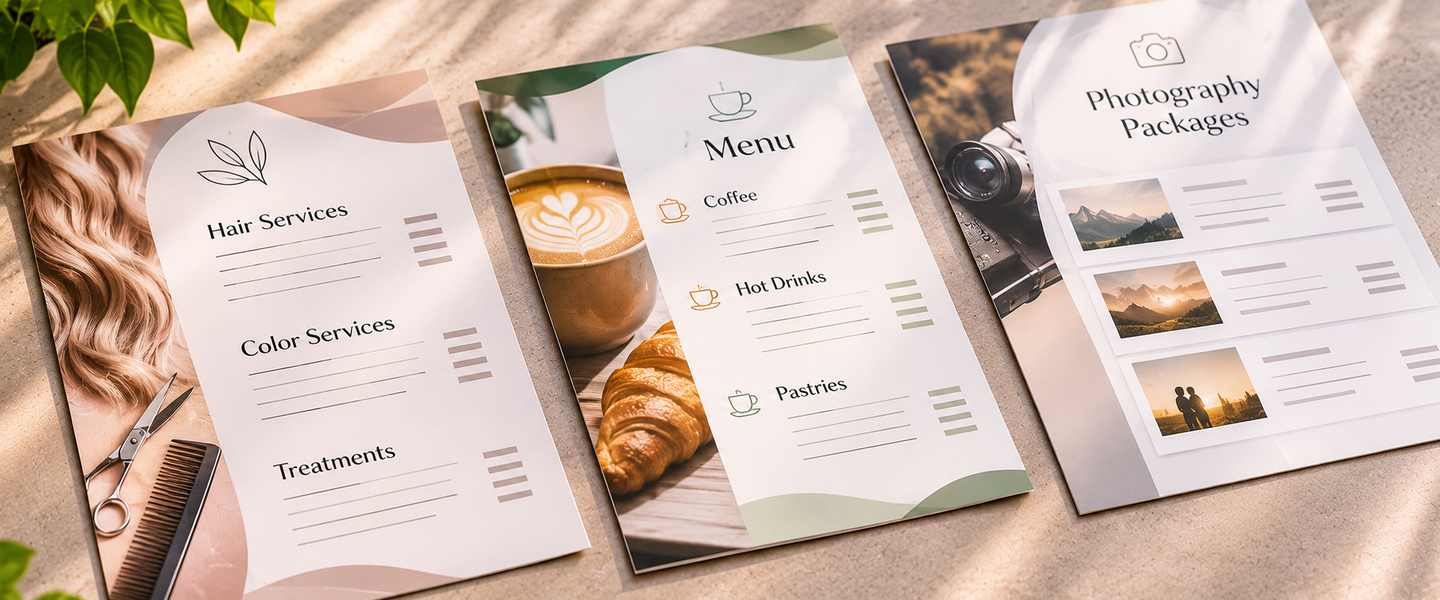
A business price list is a document that displays the prices of products or services offered by a company.
It can be printed, digital, or both.
Businesses commonly use price lists to help customers understand available options before making a purchase or booking a service.
Examples include:
- Salon and spa service menus
- Restaurant and café price lists
- Photography packages
- Cleaning service pricing sheets
- Personal training packages
- Beauty treatment menus
- Repair service price lists
- Event service packages
- Wholesale product catalogs
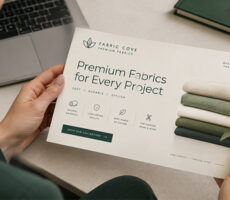
A price list may be a single-page document, a folded brochure, or a larger printed display.
The right format depends on how many products or services you offer and where customers will view the information.
Why Does Price List Design Matter?
A price list is often one of the most frequently referenced pieces of information a business provides.
Customers use it to answer practical questions:
How much does this cost? What’s included? What’s the difference between two options? Are there any additional charges?
Good design helps answer those questions without unnecessary confusion.
Makes Pricing Easier to Understand
Clear categories, readable prices, and concise descriptions help customers find the information they need.
Creates a Professional Impression
A consistent layout, attractive typography, and recognizable branding can make your business look more organized.
Helps Customers Compare Options
When similar services are presented consistently, customers can compare them without searching through long paragraphs.
Saves Time During Customer Conversations
A printed price list can answer common questions before customers need to ask.
Employees can also use it as a reference when explaining services or packages.
Supports Your Branding
Your price list is another opportunity to use your company colors, logo, and visual identity.
It should feel like part of your business, not a generic document.
How to Design a Professional Business Price List in 8 Steps
1. Organize Your Products or Services Into Categories
Before opening a design program, make a complete list of everything you want to include.
Then group similar products or services together.
For example, a beauty salon might organize its price list into:
- Haircuts and styling
- Hair coloring
- Treatments
- Nail services
- Additional services
A cleaning company could use:
- Standard cleaning
- Deep cleaning
- Move-in and move-out cleaning
- Add-on services
Customers should be able to find the category they’re looking for without reading the entire page.
Design tip: If you have more than a dozen services, consider dividing them into clear sections rather than presenting one long alphabetical list.
2. Write Clear Service Names and Descriptions
Customers shouldn’t have to guess what’s included in a service.
Use straightforward names that describe what you’re selling.
For example:
Less clear: Premium Package — $150
More helpful: Premium Photography Session — $150
Includes a 60-minute session and 10 edited digital images.
The second example provides useful context.
For services with several options, explain the differences briefly.
Avoid overly technical descriptions unless your customers are familiar with the terminology.
For example, a car detailing business might distinguish between interior cleaning, exterior detailing, and full detailing packages.
Keep descriptions concise so the page remains easy to scan.
3. Create a Clear Pricing Hierarchy
A visual hierarchy helps customers understand which information is most important.
For most price lists, the order should be:
- Business name or logo
- Price list title
- Service category
- Product or service name
- Short description, when needed
- Price
- Additional conditions or notes
Make service names easy to identify and keep prices visually consistent.
For example:
| Service | Description | Price |
| Basic Haircut | Wash and haircut | $35 |
| Haircut & Styling | Wash, haircut, and blow-dry | $55 |
| Deep Conditioning | Moisturizing hair treatment | $25 |
Prices above are illustrative examples, not recommended market rates.
This format makes it easier to compare services.
For a more premium appearance, you can use additional white space and fewer visible borders.
The important thing is consistency.
4. Choose Fonts That Are Easy to Read
Typography has a major impact on how professional your price list looks.
You don’t need several decorative fonts to create an attractive design.
In most cases, one or two complementary typefaces are enough.
Use a clear font for service descriptions and prices.
Reserve decorative typography for short headings if it matches your brand.
Recommended Font Sizes
For a typical printed price list viewed at arm’s length, you might start with:
- Main title: 20–28 pt
- Category headings: 14–18 pt
- Service names: 11–13 pt
- Descriptions: 9–11 pt
- Prices: 11–13 pt
These are general design starting points, not strict printing requirements.
Adjust the sizes based on the printed format, font style, and viewing distance.
A wall-mounted price list will need larger text than a handout.
Design tip: Print a test page at actual size before approving your artwork. Text that looks readable on a computer screen may feel too small on paper.
5. Make Prices Easy to Find
Customers shouldn’t have to search for the cost of each item.
Choose one pricing style and apply it consistently.
For example:
Option A: Right-aligned prices
Haircut ………………………….. $35
Haircut & Styling …………….. $55
Deep Conditioning …………… $25
Option B: Prices directly below services
Haircut & Styling
Wash, haircut, and blow-dry
$55
Both approaches can work.
Right-aligned prices are useful for longer lists, while prices placed beneath descriptions can work well for service packages.
Avoid inconsistent placement or making prices much smaller than service names.
If your pricing varies, explain that clearly.
For example:
“Hair coloring — Starting at $85”
Or:
“Residential cleaning — Custom quote based on home size.”
Only use “starting at” when the advertised amount is genuinely available and the conditions are clear.
6. Use Your Brand Colors Without Overcrowding the Design
Your price list should look like it belongs to your business.
Use your logo, primary brand colors, and a consistent typography style.
However, too many colors can make pricing information harder to read.
A practical approach is to use:
- One primary brand color
- One secondary accent color
- One neutral background color
- A dark text color for readability
For example, a wellness spa might use sage green, cream, and charcoal.
A modern barbershop could use navy, white, and a muted gold accent.
A children’s activity business might use brighter colors while keeping service descriptions simple.
Design tip: Use color to distinguish categories, not to decorate every line.
7. Choose the Right Printed Format
The best price list format depends on how customers will use it.
Some businesses need a compact handout. Others need a wall display or a multi-page service guide.
| Print Format | Best For | Main Advantage |
| Single-page flyer | Salons, cleaning services, small service menus | Easy to distribute and update |
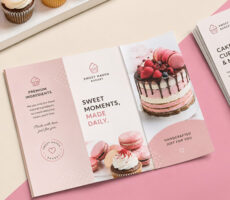
| Folded brochure | Spas, event services, detailed service menus | Organizes multiple categories |
| Rack card | Compact service summaries and reception displays | Convenient take-home format |
| Poster | Counter displays, waiting areas, and retail spaces | Easy to view from a distance |
| Booklet | Extensive service catalogs | More room for detailed information |
For a simple, single-page price list, custom flyers from Overnight Prints are a practical option.
If your business offers many services, custom brochures can help separate categories into different panels.
For a reception desk or waiting area, rack cards may provide a compact alternative.
Choose the format based on the amount of information and how often your prices change.
8. Add Important Details and a Clear Next Step
A professional price list should make it easy for customers to act on the information.
Depending on your business, include:
- Business name
- Website
- Phone number
- Booking information
- Location
- Service availability
- Relevant pricing conditions
- Taxes or fees, where applicable
- Effective date, if prices change regularly
For example, a salon price list might include:
“Book your appointment at yourwebsite.com.”
A cleaning company could use:
“Request a personalized quote.”
A photography studio might include:
“Contact us to check availability.”
You can also add a QR code linking to your booking page or full service catalog.
Make sure the destination works on mobile devices and test the code before printing.
Business Price List Design Examples by Industry
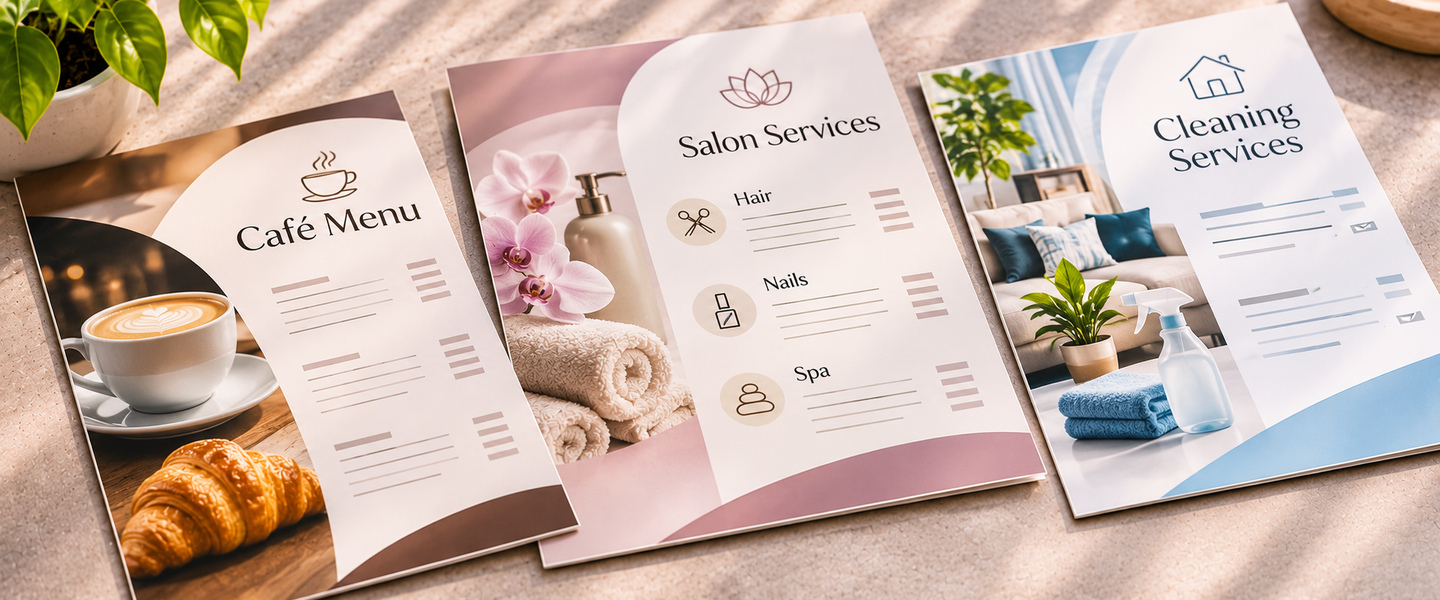
Different industries need different layouts.
Here are several practical approaches.
Salon and Beauty Price Lists
Recommended format: Single-page flyer or folded brochure.
Salon customers often compare several services before booking.
Group services by category and keep prices visible.
For example:
| Service | Price |
| Women’s Haircut | $45 |
| Men’s Haircut | $30 |
| Blowout | $40 |
| Deep Conditioning | $25 |
| Hair Coloring | Starting at $85 |
Illustrative prices only.
If prices vary by hair length, stylist experience, or treatment requirements, explain that clearly.
Avoid hiding important conditions in tiny text.
Restaurant and Café Price Lists
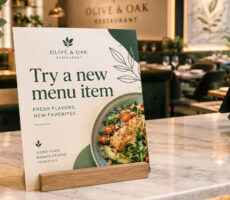
Recommended format: Flyer, poster, or menu-style brochure.
For cafés and small restaurants, pricing information should be easy to scan quickly.
Organize products into categories such as:
- Coffee and espresso
- Tea and specialty drinks
- Pastries
- Sandwiches
- Add-ons
Use consistent pricing alignment and avoid overcrowding the page with photographs.
For counter displays, custom posters can make frequently ordered items easier to see.
Cleaning Service Price Lists
Recommended format: Single-page flyer.
Cleaning services often have variable pricing based on property size, condition, and service requirements.
Instead of listing unclear fixed prices, explain how estimates work.
For example:
Standard Home Cleaning
Starting at $120
Includes routine cleaning of kitchens, bathrooms, and living areas.
Deep Cleaning
Custom quote
Designed for homes requiring more detailed cleaning.
Illustrative prices only.
Add a clear note explaining what may affect the final quote.
Photography Price Lists
Recommended format: Brochure or presentation folder insert.
Photography businesses often offer packages with different deliverables.
A comparison table can help customers understand what changes between packages.
| Package | Includes | Example Price |
| Essential | 30-minute session, 5 edited images | $150 |
| Standard | 60-minute session, 15 edited images | $275 |
| Premium | 90-minute session, 30 edited images | $450 |
Illustrative prices only.
Keep package descriptions consistent so customers can compare them easily.
Personal Training and Fitness Price Lists
Recommended format: Flyer or rack card.
Fitness businesses may offer individual sessions, monthly packages, and group classes.
Organize these separately.
For example:
- Single training session
- Five-session package
- Ten-session package
- Small-group training
- Monthly coaching
If packages have expiration dates or booking conditions, include those details.
Event and Wedding Service Price Lists
Recommended format: Folded brochure or booklet.
Event businesses may offer several packages with different services.
Use clear sections for:
- Package name
- Included services
- Duration
- Guest capacity
- Additional options
- Price or quote requirements
Avoid vague package names without explaining what customers receive.
A detailed brochure can help customers compare options before scheduling a consultation.
How to Design a One-Page Price List
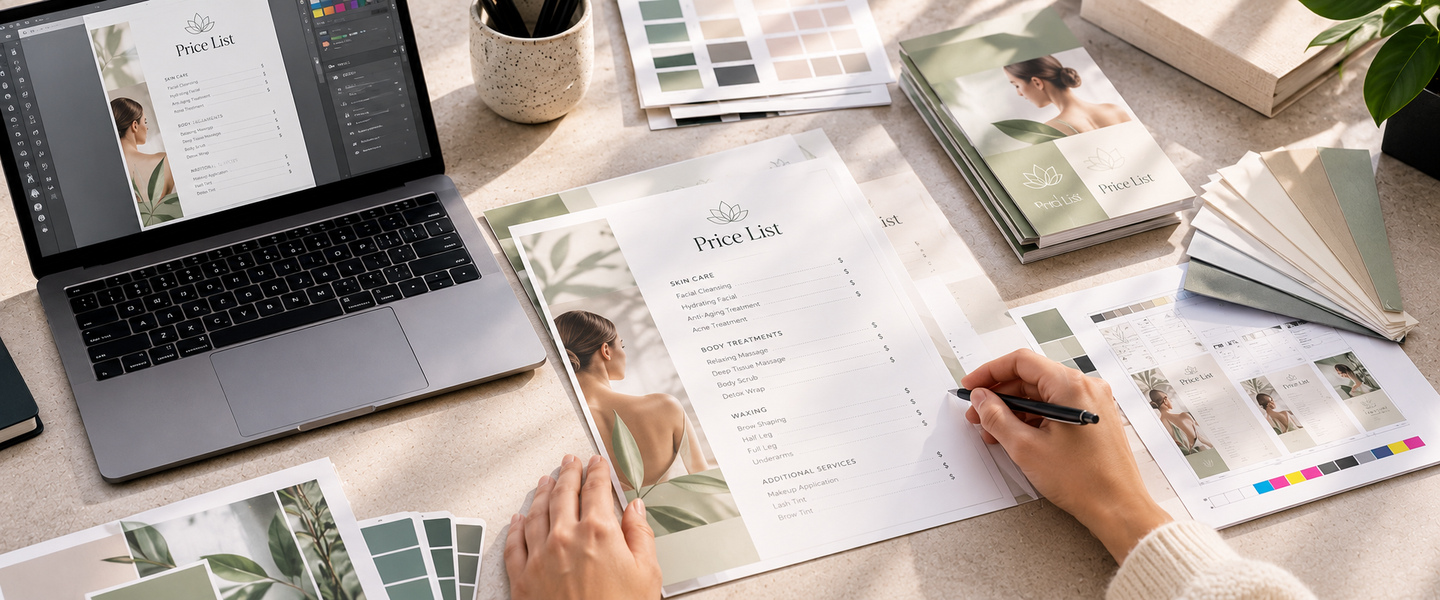
A one-page price list is often the easiest format for a small business to maintain.
Here’s a simple structure.
Top Section: Business Identity
Place your logo and business name at the top.
Add a clear heading such as:
Services & Pricing
Or:
Our Price List
Keep this section relatively compact.
Middle Section: Products or Services
Divide the main content into categories.
Use a consistent layout for service names, descriptions, and prices.
Leave enough space between categories so customers can distinguish them easily.
Bottom Section: Booking and Contact Details
Finish with a clear call to action.
For example:
“Ready to book? Visit our website or call us today.”
Include any important pricing conditions or the date the price list became effective.
If the document contains a lot of information, consider moving to a folded brochure instead of reducing the text size excessively.
How to Make a Price List Look More Premium
A premium-looking price list doesn’t necessarily require expensive design effects.
Often, the biggest improvement comes from removing unnecessary elements.
Use More White Space
White space helps separate categories and makes the document easier to scan.
Avoid filling every available inch.
Limit Decorative Graphics
Use images only when they add useful context.
A salon might include one professional photograph rather than several small images competing with the prices.
Keep Descriptions Consistent
If one service has a short description, use a similar structure for other comparable services.
Choose Quality Printing
Paper stock and finish affect how the final piece feels.
Matte finishes can support an understated appearance, while glossy finishes may suit colorful, image-heavy designs.
Review the actual paper and finish options available for your selected Overnight Prints product.
Match Your Other Marketing Materials
Use the same visual identity across your price lists, business cards, brochures, and other printed materials.
This helps customers recognize your brand across different touchpoints.
How to Prepare a Business Price List for Printing
Once your design is complete, check the technical details before ordering.
Set the Correct Dimensions
Start with the final size of your flyer, brochure, rack card, or poster.
Use the printing provider’s product template whenever available.
Add Bleed
If your background color or photograph extends to the edge of the design, extend it into the required bleed area.
This helps prevent unwanted white edges after trimming.
Keep Text Inside the Safe Zone
Important text, prices, and contact information should remain inside the recommended safe area.
Avoid placing pricing details too close to the trim edge.
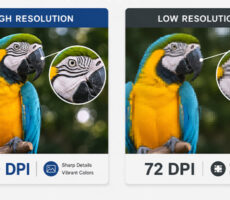
Use High-Resolution Images
For many commercial printing projects, 300 dpi at the final printed size is a common recommendation.
Use vector graphics for logos whenever possible.
Prepare Colors for Printing
CMYK is commonly used for professional printing.
Follow your printer’s color specifications, especially if your brand uses highly saturated colors.
Proofread Every Price
Before submitting the artwork, check:
- Product and service names
- Descriptions
- Prices
- Currency symbols
- Taxes and fees
- Promotional conditions
- Booking details
- Website and phone number
- Effective dates
A small pricing error can create confusion or require an expensive reprint.
Common Business Price List Design Mistakes
Using Fonts That Are Too Small
Trying to fit too much information onto one page can make the document difficult to read.
If the text becomes too small, choose a larger or multi-panel format.
Mixing Different Pricing Styles
Avoid showing some prices as “$35,” others as “35 dollars,” and others without a currency symbol unless there’s a clear reason.
Use a consistent format.
Hiding Important Conditions
If prices depend on service length, quantity, location, or other factors, explain those conditions clearly.
Overusing Colors and Images
Too many visual elements can distract customers from the information they need.
Keep the design focused on the services and prices.
Listing Outdated Prices
Printed price lists can become inaccurate when prices change.
Review your pricing regularly and update printed materials as needed.
Making Packages Difficult to Compare
When presenting multiple packages, use the same categories of information for each one.
This makes the differences easier to understand.
Forgetting Contact Information
Customers should know what to do after reviewing the price list.
Include a clear booking or inquiry method.
Business Price List Design Checklist
Before printing, confirm that:
- Products and services are organized into clear categories.
- Every service name is understandable.
- Descriptions explain what’s included.
- Prices are easy to find.
- Currency symbols and pricing formats are consistent.
- Variable pricing is explained clearly.
- Fonts are readable at actual print size.
- Brand colors and logos are consistent.
- The layout has enough white space.
- Important fees and conditions are included.
- Contact or booking information is visible.
- QR codes and website links work.
- Artwork follows bleed and safe-zone requirements.
- All prices have been reviewed for accuracy.
Frequently Asked Questions About Business Price List Design
How do I make a professional price list?
Start by organizing your products or services into categories. Use clear names, concise descriptions, consistent pricing, readable typography, and a simple layout. Add your business branding and contact information.
What should a business price list include?
A business price list should include product or service names, prices, relevant descriptions, important conditions, and a way for customers to contact or book with your business.
What is the best format for a printed price list?
A single-page flyer works well for short service lists. Brochures are useful for multiple categories, while posters work for displays and rack cards provide a compact take-home option.
What font size should I use for a price list?
For many hand-held printed price lists, body text around 10–12 pt is a useful starting point. Adjust based on the font, layout, and viewing distance. Test the design at actual size before printing.
Should prices be aligned to the right?
Right-aligned prices can make long lists easier to scan. However, placing prices directly beneath service descriptions may work better for packages or premium layouts.
Should I include photos on my price list?
Photos can be useful when they help customers understand a product or service. Avoid adding too many images, especially when they reduce the space available for readable pricing.
How do I display prices that vary?
Use clear wording such as “Starting at” or “Custom quote,” and explain the factors that affect the final price. Make sure the advertised starting price is genuinely available.
Can I use flyers as business price lists?
Yes. Custom flyers are a practical option for single-page price lists, especially for salons, service providers, and local businesses.
How often should I update my printed price list?
Review it whenever your prices, services, fees, or booking conditions change. Including an effective date can help your team identify outdated versions.
Can I add a QR code to a printed price list?
Yes. A QR code can link customers to online booking, a full service menu, or updated pricing information. Test it before printing and include a clear explanation of its purpose.
Create a Price List That Makes Buying Easier
A professional price list should help customers understand your business without unnecessary effort.
The most effective designs combine clear categories, readable prices, concise descriptions, and consistent branding.
Choose a format that fits the amount of information you need to share, and make sure every detail is accurate before printing.
Whether you’re creating a salon service menu, photography pricing guide, café price list, or cleaning service flyer, the goal is the same: make your products and services easy to understand.
Ready to print your new price list? Explore custom flyers at Overnight Prints for simple single-page layouts, or consider custom brochures for more detailed service menus.