AI is changing how businesses and designers create print materials. From brainstorming campaign ideas to generating images, headlines, and layout concepts, AI can make parts of the creative process significantly faster.
But does that mean AI is replacing graphic designers?
Not exactly. AI works best as a creative assistant. It can speed up exploration and repetitive tasks, while human judgment remains essential for branding, accuracy, visual hierarchy, and preparing a design for professional printing.
Key Takeaways
- AI can speed up brainstorming, copywriting, imagery, and design exploration.
- Human review is still essential for branding, accuracy, and final creative decisions.
- AI can support the creation of business cards, flyers, postcards, brochures, and other print materials.
- AI-generated designs aren’t automatically print-ready.
- Bleed, resolution, color mode, margins, and file preparation still matter for professional printing.
Where AI Can Help With Print Design
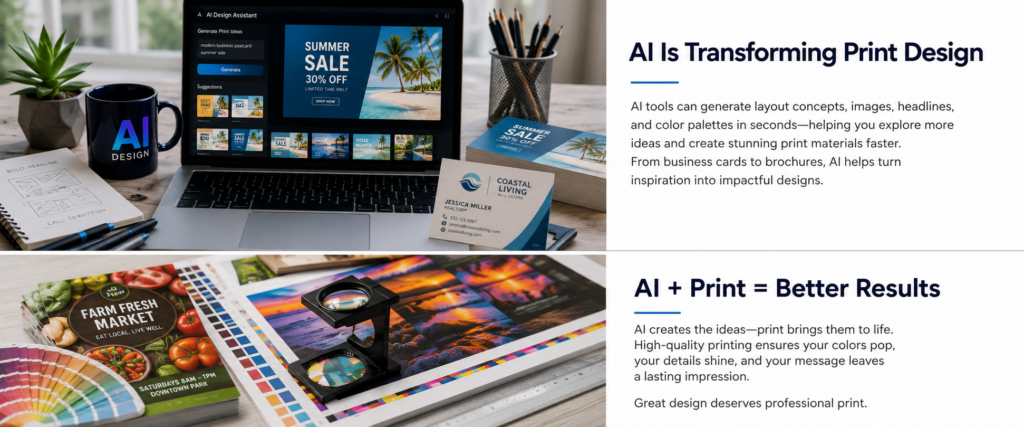
AI is particularly useful during the early creative stages.
Businesses can use it for:
- Brainstorming campaign concepts
- Generating headline ideas
- Creating illustrations and backgrounds
- Exploring color palettes
- Organizing information
- Writing and shortening marketing copy
- Developing calls to action
- Creating QR code campaign ideas
- Exploring different layout directions
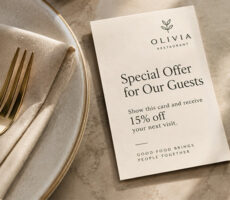
For example, instead of spending an hour brainstorming headlines for a Flyer, you could generate 20 ideas and refine the strongest few.
AI doesn’t need to create the finished design to save time. Sometimes its biggest advantage is simply helping you reach a strong starting point faster.
How to Use AI for Different Print Materials
Business Cards
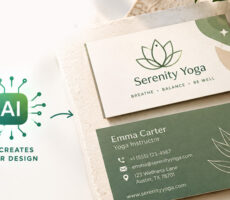
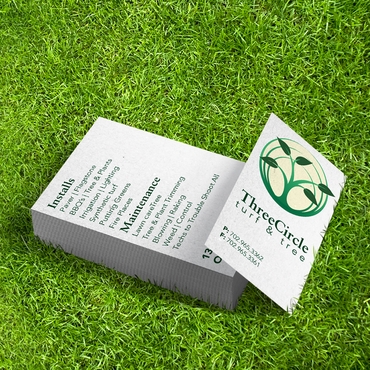
AI can help explore layouts, taglines, QR code ideas, color combinations, and ways to organize contact information.
Keep the final Business Card simple and make sure essential information remains easy to find.
For more guidance, read What to Put on a Business Card and How to Make Your Business Cards Stand Out.
Postcards
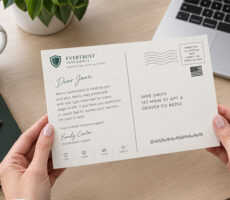
AI can generate promotional headlines, seasonal campaign ideas, offers, CTAs, and visual concepts.
The final Postcard should still focus on one clear message and action.
For additional ideas, see Postcard Design Ideas That Get Results.
Flyers
AI can help simplify long information and establish a stronger content hierarchy.
Before designing a Flyer, ask AI to identify the main headline, supporting information, essential details, and CTA.
You can also use How to Design Flyers That Actually Convert to refine the final layout.
Brochures
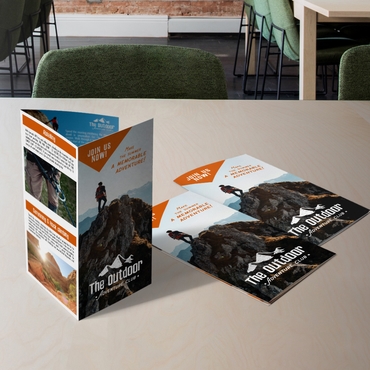
For Brochures, AI can help organize services, simplify complicated information, create section headings, and develop a logical content flow.
Once the structure is ready, the design should account for the physical fold, panel order, margins, and final printed dimensions.
Read How to Design Effective Marketing Brochures for additional design guidance.
Booklets
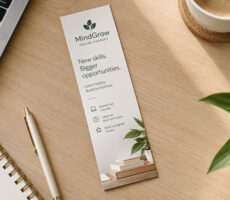
AI can be especially useful for longer Booklets.
Use it to create outlines, organize sections, summarize information, brainstorm page titles, and identify repetitive content.
Before designing, see What Should a Booklet Include? for guidance on organizing booklet content.
AI Doesn’t Automatically Create Print-Ready Files
One of the biggest misconceptions about AI design is that a visually impressive result is automatically ready to print.
It isn’t.
Professional print files still require attention to:
Bleed and Safe Areas
Background graphics may need to extend beyond the trim line, while important text and logos should remain safely away from edges and folds.
Image Resolution
AI-generated images should be checked at their intended printed size. An image that looks sharp on a phone may not have enough resolution for a large poster.
Color
Screens and printers produce color differently.
RGB is primarily used for digital displays, while CMYK is commonly associated with professional printing. Colors may shift when preparing digital artwork for print.
Typography
AI-generated images can still produce distorted or incorrect text. Important copy should be carefully reviewed and, when possible, added separately using design software.
File Preparation
Always review the printing requirements for the specific product you’re ordering before submitting artwork.
For a broader overview of mistakes that can affect the finished result, read 5 Common Print Mistakes Small Businesses Make.
A Simple AI-to-Print Workflow
A practical workflow looks like this:
- Define your goal. Decide what the printed material needs to accomplish.
- Identify your audience. Give AI enough context about who you’re trying to reach.
- Generate multiple ideas. Explore headlines, visuals, layouts, and campaign concepts.
- Choose and refine. Select the ideas that best fit your brand and objective.
- Create the final design. Build the artwork using the correct product dimensions.
- Review everything. Check copy, imagery, branding, QR codes, URLs, dates, and contact information.
- Prepare for print. Review bleed, margins, image quality, color, and file requirements.
- Proofread again. Have another person review the finished piece whenever possible.
- Print. Once everything is ready, move the final artwork into production.
Common AI Print Design Mistakes to Avoid
Using the First Result
AI is strongest when you use it to explore several ideas rather than accepting the first output.
Giving AI Too Little Context
“Create a flyer” isn’t a useful creative brief.
Include the audience, objective, offer, brand direction, and desired customer action.
Trusting AI-Generated Text
Always check spelling, dates, names, claims, prices, URLs, and other factual information.
Using Low-Quality Images
Check AI-generated artwork at the actual size you plan to print.
Ignoring Your Brand
AI can generate endless visual styles, but your marketing materials should still feel like they belong to the same company.
Forgetting Print Requirements
A beautiful digital design can still produce disappointing results if bleed, resolution, margins, or other production requirements are incorrect.
For more examples, see The Most Common Print Design Mistakes That Make Businesses Look Unprofessional and What Makes Print Marketing Feel Cheap to Customers.
Does AI Replace Graphic Designers?
Not entirely.
AI can accelerate repetitive and exploratory tasks, but professional design still requires judgment.
| Task | AI Can Help | Human Review |
| Brainstorming | Yes | Choose the best direction |
| Headlines | Yes | Check voice and accuracy |
| Images | Yes | Check quality and suitability |
| Layout ideas | Yes | Refine hierarchy and usability |
| Color ideas | Yes | Check branding and print results |
| Print preparation | Limited | Essential |
| Final approval | No | Essential |
AI is most valuable when it removes time-consuming steps while leaving important creative and strategic decisions to people.
Why Professional Printing Still Matters
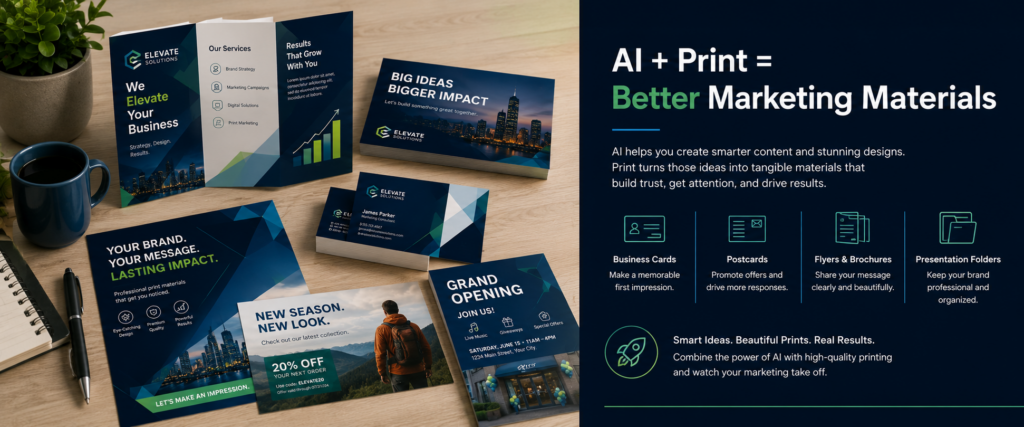
AI can help create the idea, but customers ultimately experience the finished product.
Paper, color, finish, image quality, typography, and physical presentation all influence how professional the final piece feels.
Once your artwork is ready, Overnight Prints offers professional printing for products including:
- Business Cards
- Premium Business Cards
- Postcards
- Flyers
- Brochures
- Posters
- Presentation Folders
- Booklets
AI can accelerate the creative process. Professional printing turns that digital concept into something customers can actually hold.
Frequently Asked Questions
Can AI create print designs?
Yes. AI can help generate imagery, layouts, copy, headlines, and creative concepts. Final artwork should still be reviewed and prepared according to printing requirements.
Can I print AI-generated images?
Yes, when appropriate, but first check image resolution, visual accuracy, usage rights, and the requirements for your final printed size.
Can AI create print-ready files?
Some tools can assist with file creation, but don’t assume generated artwork is automatically print-ready. Always check dimensions, bleed, safe areas, resolution, color, and file requirements.
Does AI replace graphic designers?
AI can speed up many design tasks, but human expertise remains valuable for branding, strategy, visual hierarchy, production knowledge, and final quality control.
What should I check before printing an AI-generated design?
Review dimensions, bleed, margins, image quality, colors, typography, spelling, branding, factual accuracy, URLs, QR codes, and product-specific printing requirements.
Conclusion
AI can make print design faster by helping businesses brainstorm ideas, generate imagery, organize information, and create marketing copy.
But speed isn’t the same as quality.
The strongest results combine AI efficiency with human creativity, careful proofreading, consistent branding, and proper print preparation.
Once your concept is ready, Overnight Prints can help transform your digital ideas into professionally printed marketing materials.
AI helps you create faster.
Good design makes the idea work.
Professional printing brings it to life.
Resources
- U.S. Copyright Office – Copyright and Artificial Intelligence
Official guidance and reports covering copyright, human authorship, AI-generated materials, and generative AI. - National Institute of Standards and Technology (NIST) – Generative AI Profile
Guidance on trustworthy and responsible use of generative AI, including risks organizations should consider when using AI-generated content. - Library of Congress – Digital Imaging Guidelines
Reference information about digital images, pixels, spatial resolution, and other concepts relevant when working with digital imagery.